1
The VEE Pro 8 Fundamentals
1
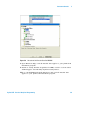
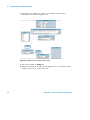
5 Connect the bottom pin of Do to the top pin of For Count; set the
count value to 12.
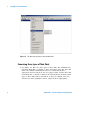
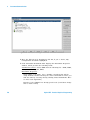
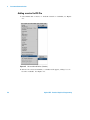
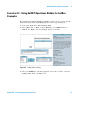
6 Select Menu Bar => Device => Function & Object Browser => Type:
Built- in Functions; Category: Probability and Statistics; Functions:
Random.
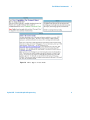
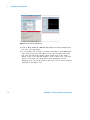
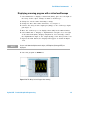
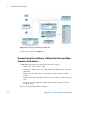
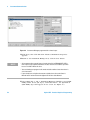
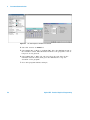
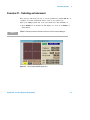
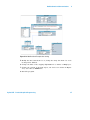
7 Click on Create Formula; place the object to the right of For Count.
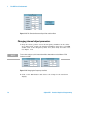
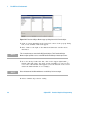
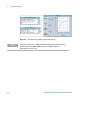
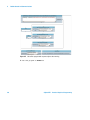
See Figure 1- 22.
Figure 1-22 Partial layout of Exercise 1.4
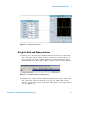
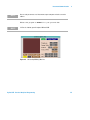
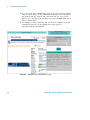
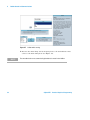
8 Go to the random Object menu and delete both input pins first low,
then high.
9 Change the Title of random(low,high) to random(0,10) which will
become the range of the random number generator.
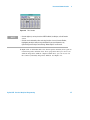
NO TE
The value of the chosen random numbers can be changed to any range desired.
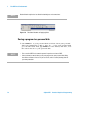
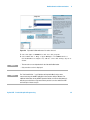
10 Change the random- number range in the edit (white) space from its
generic low, high to the values 0,10.
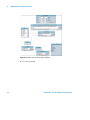
11 Connect For Count output (right- hand) pin to the random(0,10)
sequence input (top) pin.
Agilent VEE - Practical Graphical Programming
31