1
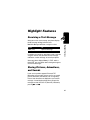
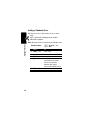
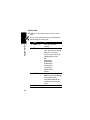
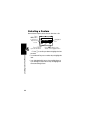
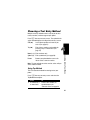
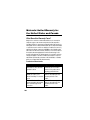
Selecting a Feature
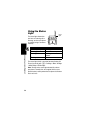
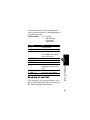
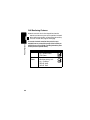
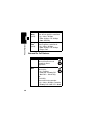
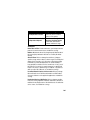
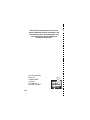
Some features require you to select an item from a list.
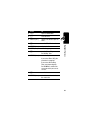
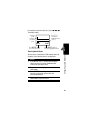
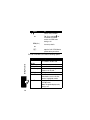
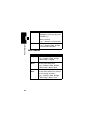
Press
U
5
9
BACK (-)
Dialed
Calls
to go back to
Highlighted
10)John Smith
the previous
Item
9)Mary
Smith
screen.
BACK
Press M to
open the sub-menu.
G
VIEW
Press VIEW (+) to view
details of the highlighted item.
Learning to Use Your Phone
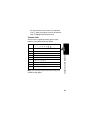
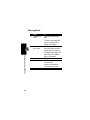
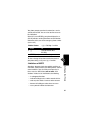
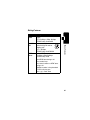
• Press S to scroll up or down to highlight the item
you want.
44
• In a numbered list, press a number key to highlight the
item.
• In an alphabetized list, press a key multiple times to
cycle through the letters on the key and highlight the
closest matching list item.