1
While on an active call
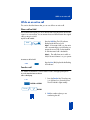
Use Call Park
Call Park allows a call to be held temporarily, to be retrieved from any telephone.
You can park an incoming call and page the called party. When you use Call Park
you do not tie up a line. Your system administrator can set up a System Park DN
where most calls get automatically parked.
If configured network wide, Call Park can be used across networks.
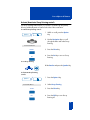
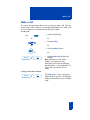
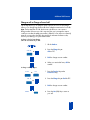
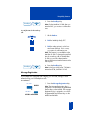
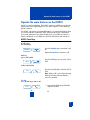
To Park a call on the System Park
Extension or your own DN:
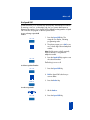
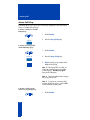
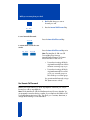
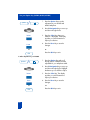
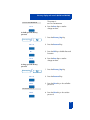
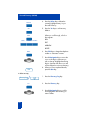
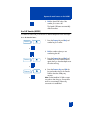
While on an active cal,
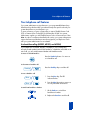
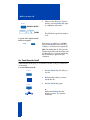
press the Park Key.
Park
If there is a System Park DN, the call
automatically parks on the System Park
DN. Otherwise, it parks on your DN.
Note: On the Meridian SL-100, press the
Park Key and you receive a confirmation
tone. Press the Park again or the
Goodbye Key.
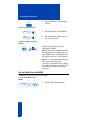
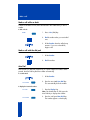
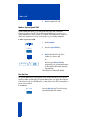
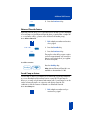
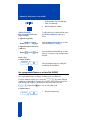
To park a call on a DN other than the
System Park Extension or your own
DN:
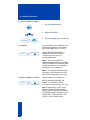
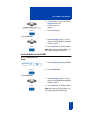
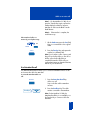
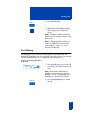
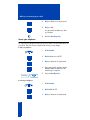
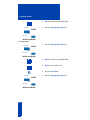
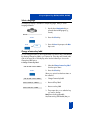
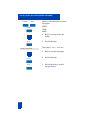
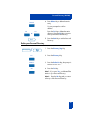
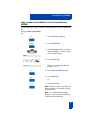
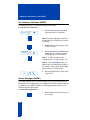
1. Press the Park Key.
Park
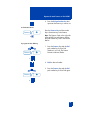
2. Dial the DN where you want to park
the call.
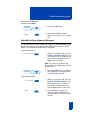
3. Press the Park Key again.
Park
Note: On Meridian SL-100, press Directed
Call Park (DCPK) Key. Dial the DN where
you want to park the call. Press DCPK
again.
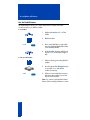
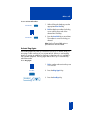
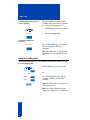
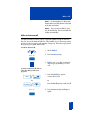
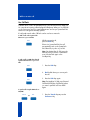
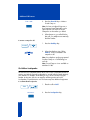
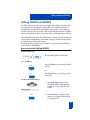
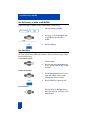
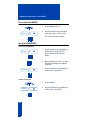
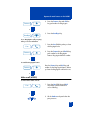
To park a call using the SPRE code or
FFC/FAC:
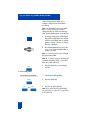
Trans
28
or
Conf
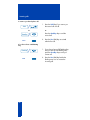
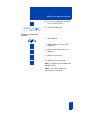
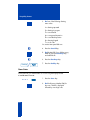
1. Press the Transfer Key or press the
Conference Key.