1
08.06.01
35a-ger.fm
P 35 - pro, English, A31008-H4100-A1-6-7619
Introduction
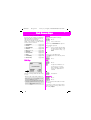
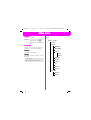
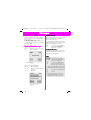
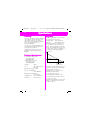
Symbols used
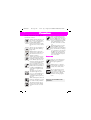
The following symbols are used to
simplify operation:
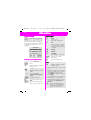
Input of numbers or letters.
Soft key for the function
displayed above.
Press the soft key on the
page displayed.
Representation of a soft
key function.
Function depends on the
service provider; separate
registration may be necessary.
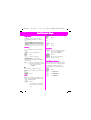
Menu Control
The menus provide access to important functions and settings for your
telephone.
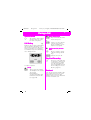
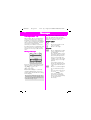
Main Menu
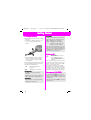
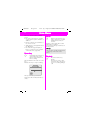
To reach the main menu, press the
right soft key in standby mode (see
page 8).
Press.
Submenu
You can branch from the main menu
into submenus for accessing functions and options.
5
Go Back
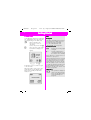
Press this button briefly to
go back one menu level.
Hold this button down to
return to standby mode.
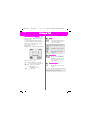
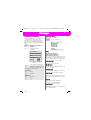
Menu Entry
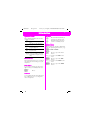
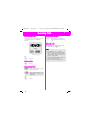
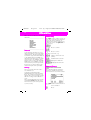
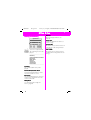
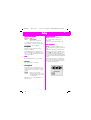
Menu entry is sometimes abbreviated in the operating instructions, e.g.:
Î %Î &'
means
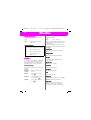
Press to open the main
menu.
Scroll to the % menu
item.
Press to open the %
menu.
Scroll to the &' menu
item.
Press to open the &'
menu.