1
TUNING
-?4
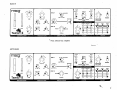
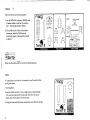
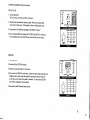
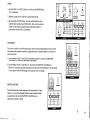
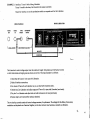
Once you have set up the starting patch:
OSC 1
1. Set the INTERVAL control at UNISON and,
•
OFF ON CONTOURED
CD
if needed, adjust it until Osc 2 is tuned to
SYNC
OSC 2 TO OSC 1
Osc 1. (No beating should be heard.)
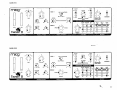
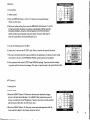
2. If you wish to tune Taurus II to another
instrument, adjust the TUNE control
accordingly (again no beating effect should
be heard).
CD
CD
0PF
CD
ON
0N
16'
UNISON
T
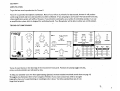
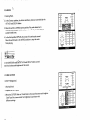
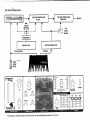
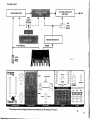
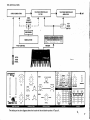
1. Starting Patch.
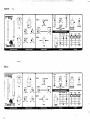
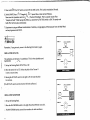
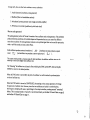
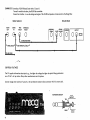
2. Set the GLIDE control to 5, play a high note and while holding
TUNE
this note down depress the lowest pedal. Note how the pitch
glides down to the pitch of the lowest note.
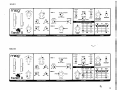
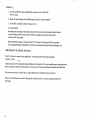
3. Using the same pedal techniques, experiment with different settings.
PITCH
Taur
CONTROLLERS
20
OCTAVE'
OSCILLATORS
GLIDE
on the pedal board.
A
ON
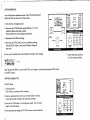
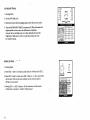
Check that the pitch wheel is in its center notched position.
fU
■CD
8*
MODULATION
it's a good idea to sit down for this exercise as you'll need both feet
A
6'
CD —
32'
CD
OFF
16-
osc a|.^fV
VCF
AUTO TRIG
OFF
32
OSC
a ru -v
WAVEFORM
OCTAVE
RATE 1H2|
SHAPE
IU