1
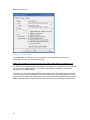
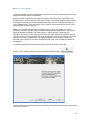
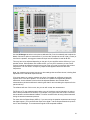
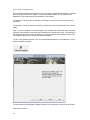
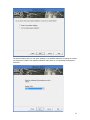
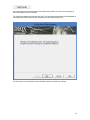
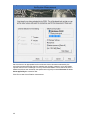
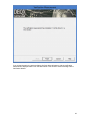
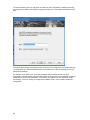
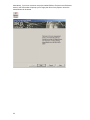
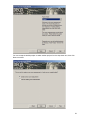
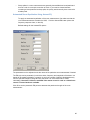
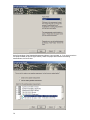
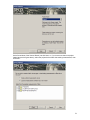
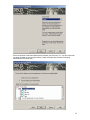
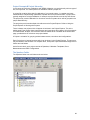
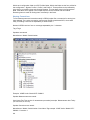
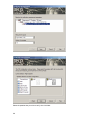
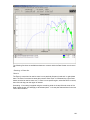
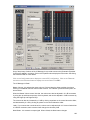
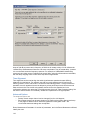
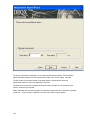
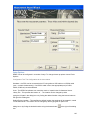
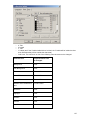
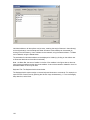
At the second window of the Room Measurement Wizard, select the 'Load an existing room
measurement' radio button. This displays a list of rooms that have been measured and, within
each room, a list of the existing room measurements. At this point you can either:
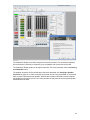
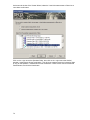
1. Select the desired room measurement by checking the box next to it, then clicking Next.
This will select the room measurements of both / all the speakers in that room
measurement.
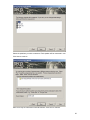
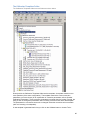
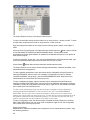
2. Click on the + sign next to the desired room measurement to show both / all the speakers
in that room measurement. You can then select one or more of the speakers by checking
the box(es) next to it/them, then clicking Next. With the speakers shown, you can also still
select both / all speakers in that room measurement by checking the box next to the room
measurement, as for (1) above, then clicking Next.
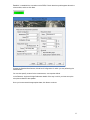
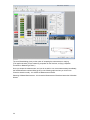
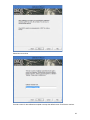
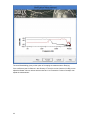
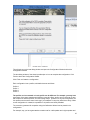
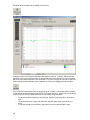
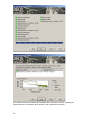
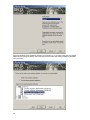
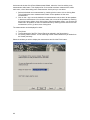
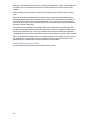
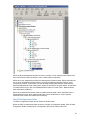
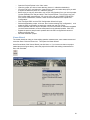
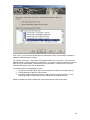
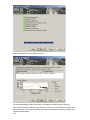
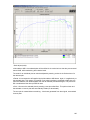
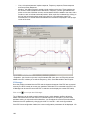
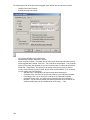
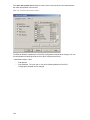
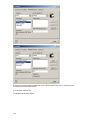
The measurement can be displayed in either:
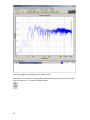
1. The Viewer
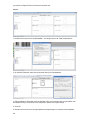
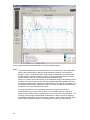
2. The Equalizer tab of the PDC Control Panel (as selected in the figure above)
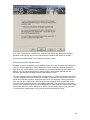
3. An existing Viewer window - ie one containing another measurement that you loaded into
the Viewer previously.
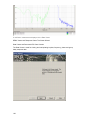
Select the window you wish to display the measurement and click the Finish button.
80