1
Graphic Operation Terminal F930GOT
1.5.3
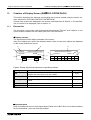
Introduction 1
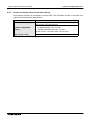
Connection of peripheral units of PLC
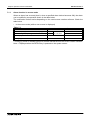
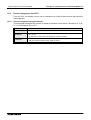
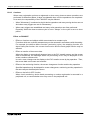
When a general-purpose personal computer is directly connected to the GOT, the two-port
interface FX-2PIF (two-port interface function) is not required.
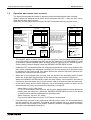
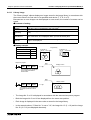
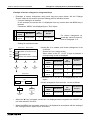
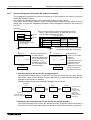
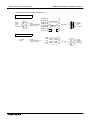
When one GOT and one peripheral unit for sequence program creation are used for one PLC,
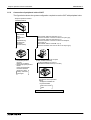
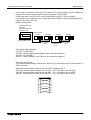
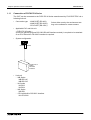
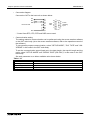
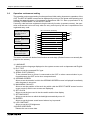
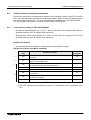
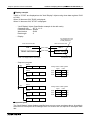
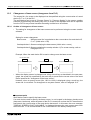
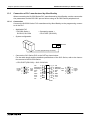
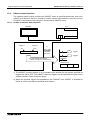
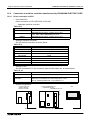
the two-port interface FX-2PIF is required. The system configuration required in this case is
shown below.
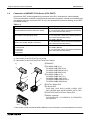
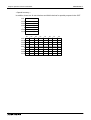
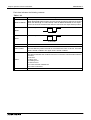
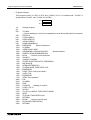
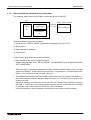
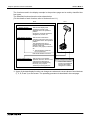
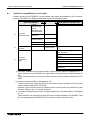
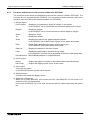
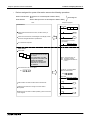
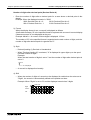
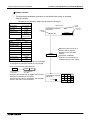
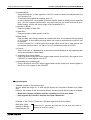
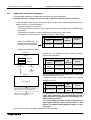
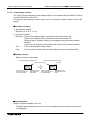
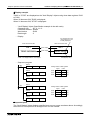
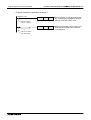
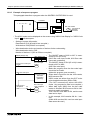
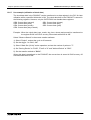
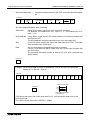
When the two-port interface FX-2PIF is used
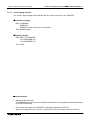
ž Graphic operation terminal
F930GOT-BWD-E
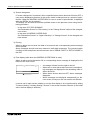
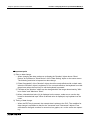
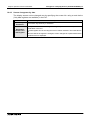
When the two-port interface function is used, the operation environment should
be set for it.
(Refer to the description on "SERIAL PORT" on the SET-UP MODE screen.)
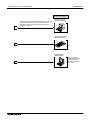
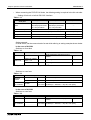
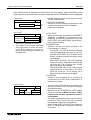
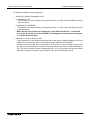
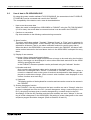
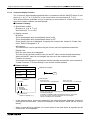
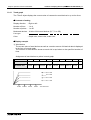
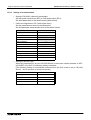
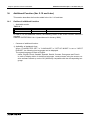
Data transfer cable FX-232CAB-1 (3 m) (when the RS-232C connector in
the PC is 9-pin type),
1
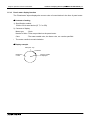
ž Two-port
interface
FX-2PIF
Data transfer cable FX-232CAB-2 (3 m)
(when the RS-232C connector in the PC is half-pitch, 14-pin type) or
Data transfer cable F2-232CAB-1 (3 m)
(when the RS-232C connector in the PC is 25-pin type)
Connection cable FX-40DU-CAB (3 m) or Connection cable FX-40DU-CAB-10M (10 m)
Program cable FX-20P-CAB (1.5 m)
2
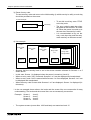
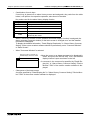
Data transfer cable AC30R4 (3 m)
3
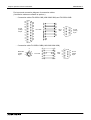
Data transfer cable FX-422CAB (0.3 m) or
Data transfer cable FX-422CAB-150 (1.5 m)
Data transfer
cable
FX-422CAB0
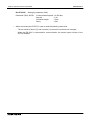
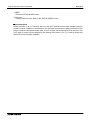
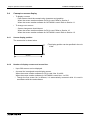
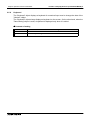
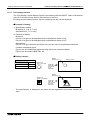
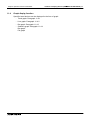
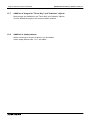
ž FX0/FX0S/FX0N/FX2N/
FX2NC Series
ž FX/FX2C/ Series
ž A Series (except QnA)
(Refer to Paragraph 1.8.)
Motion controller
Programmable controller
1-9