1
TUNEBASE 200 INSTALLATION & USER’S GUIDE - M21201-01A1
One Key Access to Favorite Music
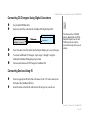
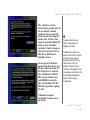
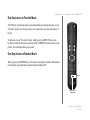
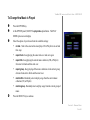
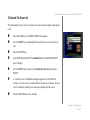
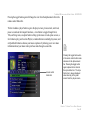
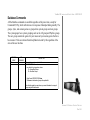
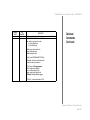
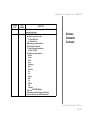
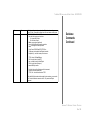
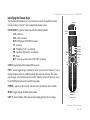
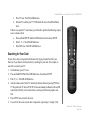
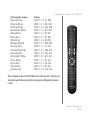
The FAVS key on the remote allows you to immediately start playing the music in your
“Favorites” playlist. No other key presses are required once you have added music to
the list.
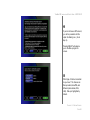
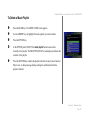
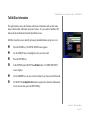
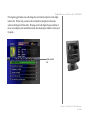
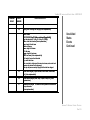
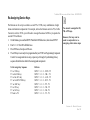
To add music to your “Favorites” playlist, simply press the ADD FAVS key on the
keyboard or ADD on the remote to quickly add the CURRENT selection of music to the
playlist. No confirmation dialog is presented.
One Key Access to Random Music
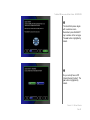
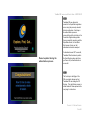
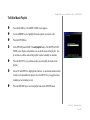
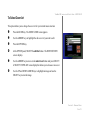
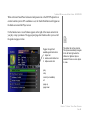
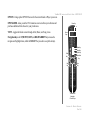
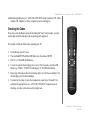
When you press the RANDOM key on the remote or keyboard, TuneBase 200 automatically starts playing random music selections from TuneBase 200.
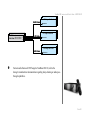
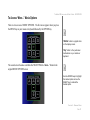
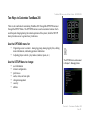
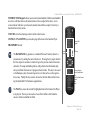
Random
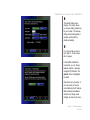
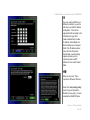
Add to Favorites
Play Favorites
CHAPTER 4 - PLAYING MUSIC
PAGE 62