1
MR Series Technical Reference Manual
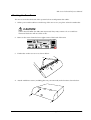
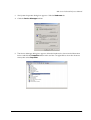
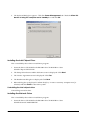
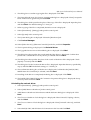
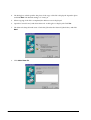
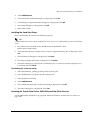
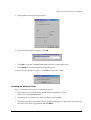
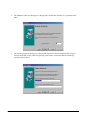
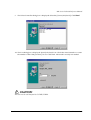
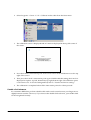
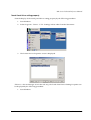
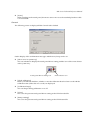
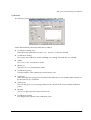
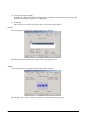
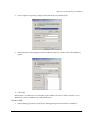
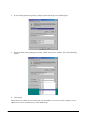
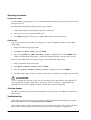
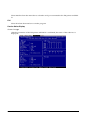
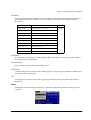
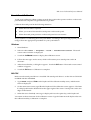
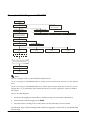
2. [Power Options Properties] is displayed. Click the [Power Schemes] tab.
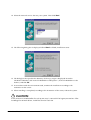
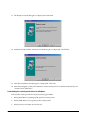
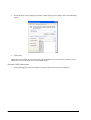
3. Select the time in the [Settings for Home/Office Desk power scheme: Turn off hard disks]
option.
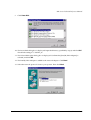
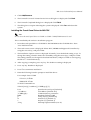
4. Click [OK].
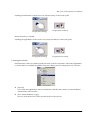
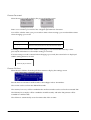
When there is no HDD access for the time set, the HDD Power Down Timer switches over to
HDD Power Down and the motor of the HDD stops.
Windows 98SE
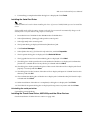
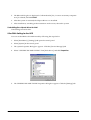
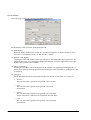
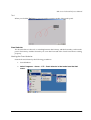
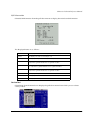
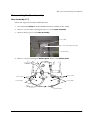
1. Select [Settings]-[Control Panel]-[Power Management] in the Start menu of Windows.
Rev. I
OS and Drivers 4-75