1
4263B
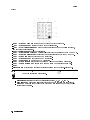
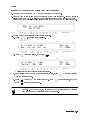
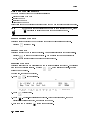
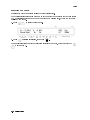
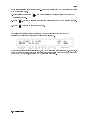
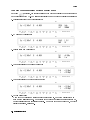
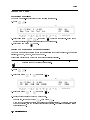
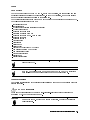
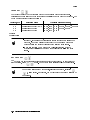
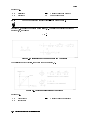
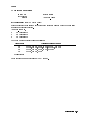
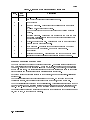
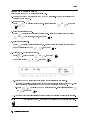
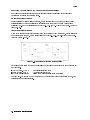
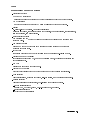
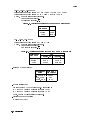
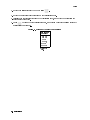
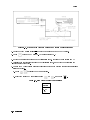
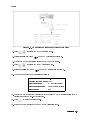
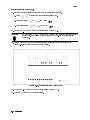
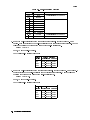
4. Press
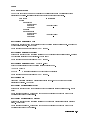
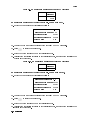
to display the OPEN correction menu.
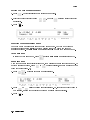
5. Select Open Meas and press
. The OPEN correction is performed.
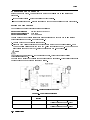
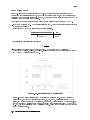
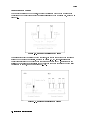
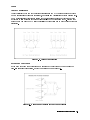
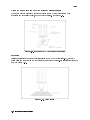
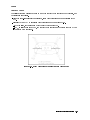
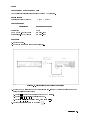
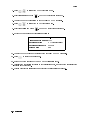
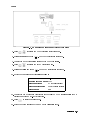
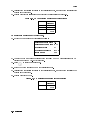
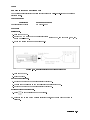
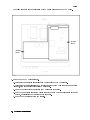
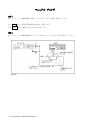
6. Connect the SHORT termination to the 4263B's UNKNOWN terminals.
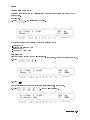
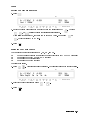
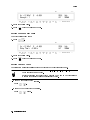
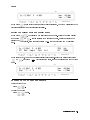
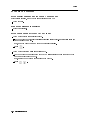
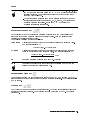
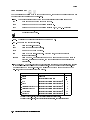
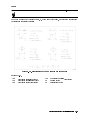
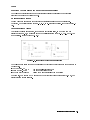
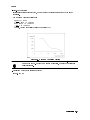
7. Press
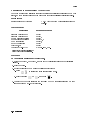
to display the SHORT correction menu.
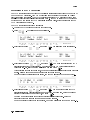
8. Select ShortMeas and press
. The SHORT correction is performed.
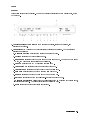
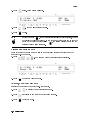
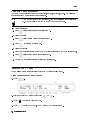
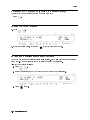
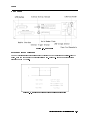
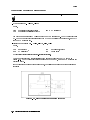
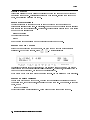
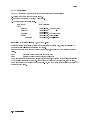
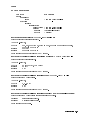
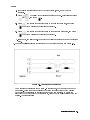
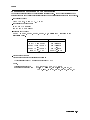
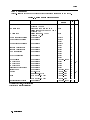
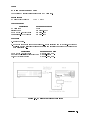
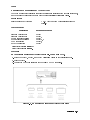
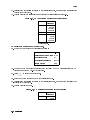
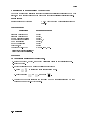
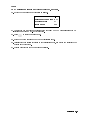
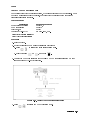
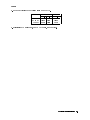
9. Set the 4263B measurement conditions as follows:
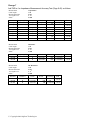
Measurement Parameter:
Measurement Time Mode:
Test Signal Level:
Test Signal Frequency:
Trigger Mode:
Cp-D (Default Setting)
LONG
1 V (Default Setting)
100 kHz
Man
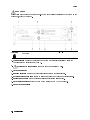
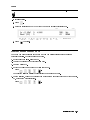
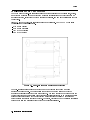
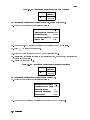
10. Connect the 10 pF Standard Capacitor to the 4263B's UNKNOWN terminals.
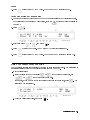
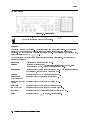
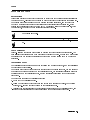
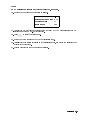
11. Press
to start the measurement.
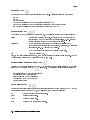
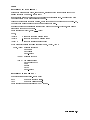
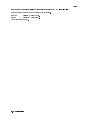
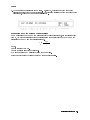
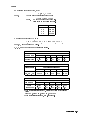
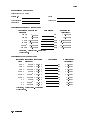
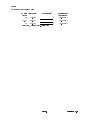
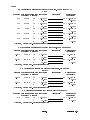
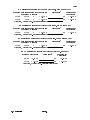
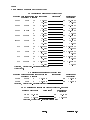
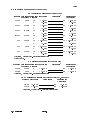
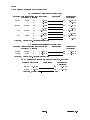
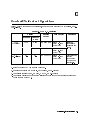
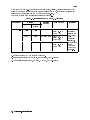
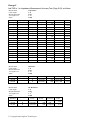
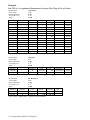
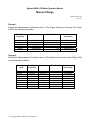
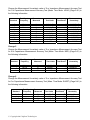
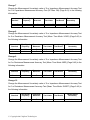
12. Record the 4263B readings of Cp and D on the calculation sheet.
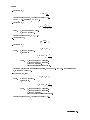
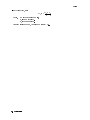
13. Calculate the test results according to the calculation sheet, and record the results into the
performance test record.
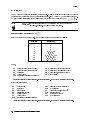
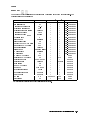
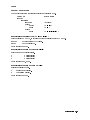
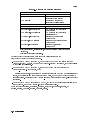
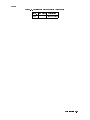
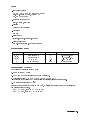
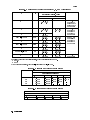
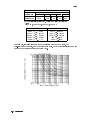
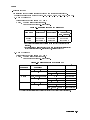
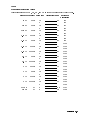
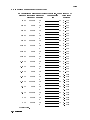
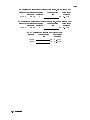
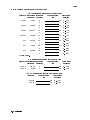
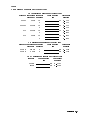
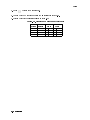
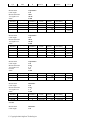
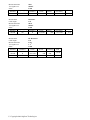
14. Perform this test for all standards and frequency settings listed in Table 9-5.
9-12 Maintenance