1
S
4 – Installation
Installing a Switch
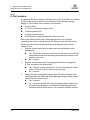
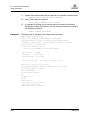
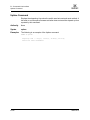
For a Linux platform:
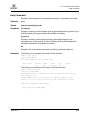
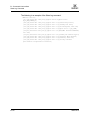
Open the CD and run the installation program with the following path:
data/files/Management_Software/Linux/Linux_5.00.xx.xx.bin
If there is no CD-ROM icon, do the following:
1.
Open an xterm or other terminal window.
2.
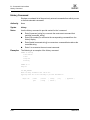
Mount the CD-ROM. From a shell prompt, enter the following:
mount /mnt/cdrom
3.
Change directory to the location of the install program:
cd /mnt/cdrom/data/files/Management_Software/Linux
4.
Execute the install program and follow the installation instructions.
Linux_5.00.xx.xx.bin
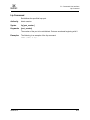
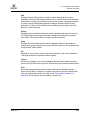
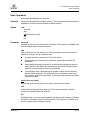
For a Solaris platform:
1.
Open a terminal window. If the disk isn’t already mounted, enter the
following command:
volcheck
2.
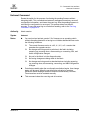
Enter following command to move to the directory on the CD that contains
the executable:
cd /cdrom/cdrom0/data/files/Management_Software/solaris
3.
Execute the install program and follow the installation instructions:
Solaris_5.00.xx.xx.bin
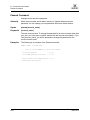
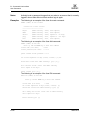
For a Mac OS X platform:
1.
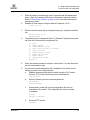
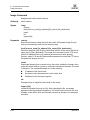
Open the CD and move to the following folder:
data/files/Management_Software/MacOSX
4-12
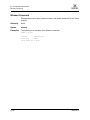
2.
Double click the application zip file (MacOSX_5.00.xx_xxxx.zip). This will
place the install program on your desktop.
3.
Locate the Install program icon on your desktop, execute it, and follow the
installation instructions.
59096-02 C