1
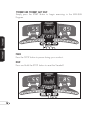
T9350HRT AND T9450HRT FEEDBACK DISPLAY
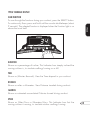
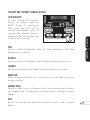
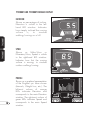
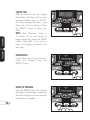
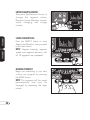
SCAN FUNCTION
T9350HRT
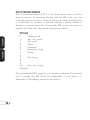
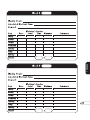
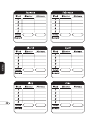
To scan through the functions
during your workout, press the
SELECT button. To continuously
Scan, press and hold until the
console double-beeps (about 2
seconds). The selected function is
displayed when the Function light
is next to the word itself.
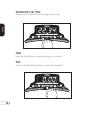
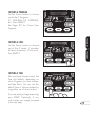
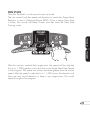
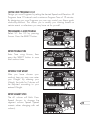
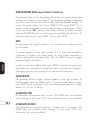
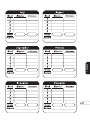
TIME
T9450HRT
Shown as (Minutes:Seconds). View the Time remaining or the Time
elapsed in your workout.
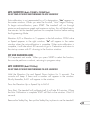
DISTANCE
Shown as Miles or Kilometers. View Distance traveled during workout.
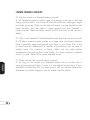
CALORIES
Shown as estimated accumulated Calories burned during workout.
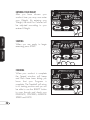
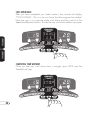
HEART RATE
Shown as Beats-per-Minute. You can monitor your Heart Rate at any time
during a workout.
AVERAGE SPEED
Shown as Miles/Hour or Kilometers/Hour. Equals accumulated Distance
plus elapsed Time. Corresponds to simulated outdoor walking or running
Speed.
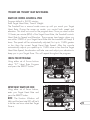
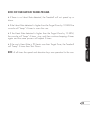
PACE
Shown as Time (Minutes:Seconds) required to travel 1 mile at current
Speed.
17