1
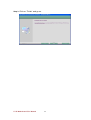
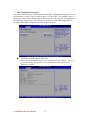
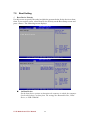
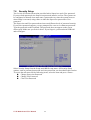
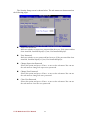
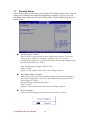
7.5 Boot Setting 9 Boot Device Priority Use this screen to specify the order in which the system checks for the device to boot from. To access this screen, select Boot Device Priority on the Boot Setup screen and press <Enter>. The following screen displays: 1st Boot Device Set the boot device options to determine the sequence in which the computer checks which device to boot from. The settings are Removable Dev., Hard Drive, or USB-CDROM. V270 Motherboard User Manual 42