1
Appendix I
Remove USB Adapter from the System
Appendix I
Remove USB Adapter from the System
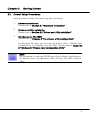
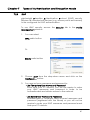
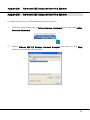
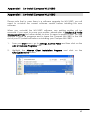
To safely remove your USB adapter from your system,
1.
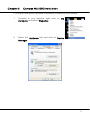
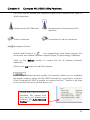
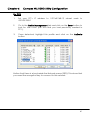
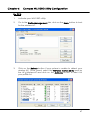
From the system tray, go to Safely Remove Hardware icon and click Safely
Remove Hardware.
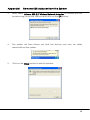
2.
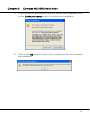
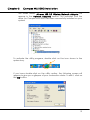
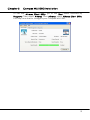
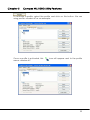
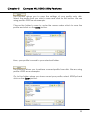
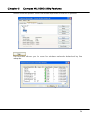
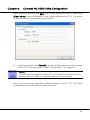
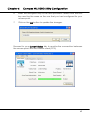
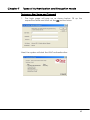
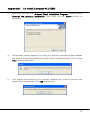
Select Atheros USB 2.0 Wireless Network Adapter and click on the Stop
button to terminate all activities.
67