1
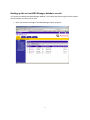
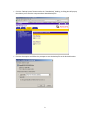
Scenario 2: Add a USB Device to the Virtual USB Device ID List
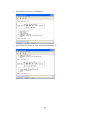
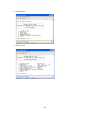
You will need to know the vendor ID (VID) and product ID (PID) of the USB device that will be attached
to the user station. If you do not know the VID and PID, follow the next few steps to determine the VID
and PID.
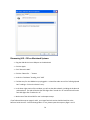
Discovering VID – PID on a Windows System
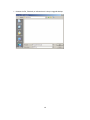
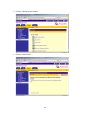
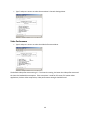
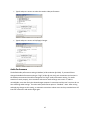
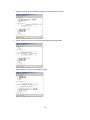
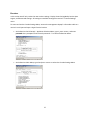
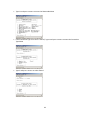
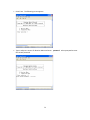
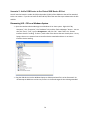
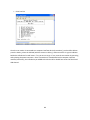
• Open the Hardware Device Manager on a Windows XP or Vista system. Right-click “My
Computer,” click “Properties,” the “Hardware” tab, and the “Device Manager” button. You can
also click “Start,” “Run,” type in devmgmt.msc, and click “OK.” Note if there is a “Human
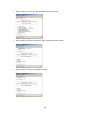
Interface Devices” heading. If there is, make note of the devices that are already there. On my
laptop, there are no external human interface devices attached and there is no Human
Interface Device heading.
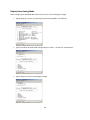
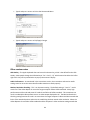
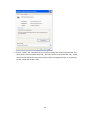
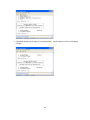
• Plug the USB device into the Windows laptop or desktop and wait for it to be discovered. Do
not attempt to add drivers at this time, unless it is the actual target PC that is being extended.
76