1
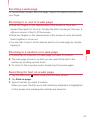
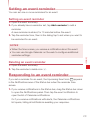
Setting an event reminder
You can set one or more reminders for an event.
Setting an event reminder
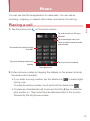
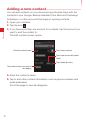
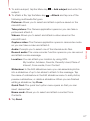
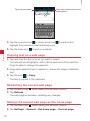
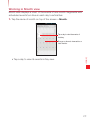
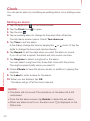
1. Open the event summary.
2. If you already have a reminder set, tap Add reminder to add a
reminder.
A new reminder is added, for 10 minutes before the event.
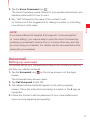
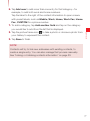
3. Tap the reminder time, then in the dialog tap to set when you want to
be reminded for an event.
NOTES
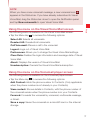
sWhen the time comes, you receive a notification about the event.
sYou can use Google Calendar on the web to configure additional
reminder settings.
Calendar
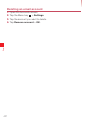
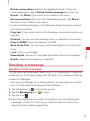
Deleting an event reminder
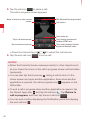
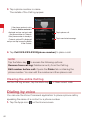
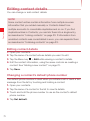
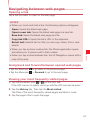
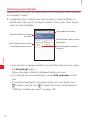
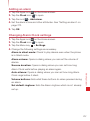
1. Open the event summary.
2. Tap the reminder’s delete icon
.
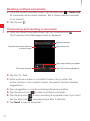
Responding to an event reminder
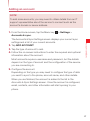
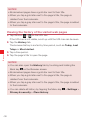
If you set a reminder for an event, the Upcoming Event icon
appears
in the Notifications area of the Status bar when the reminder time
arrives.
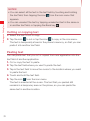
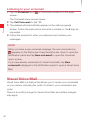
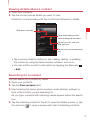
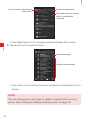
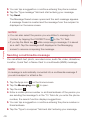
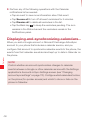
1. If you receive notifications in the Status bar, drag the Status bar down
to open the Notifications panel. Then tap the event notification to
open the list of Calendar notifications.
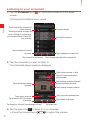
Or if you receive notifications with alerts, the Calendar notifications
list opens, listing all notifications awaiting your response.
179