1
100
Picture and Sound Controls
Using the advanced picture settings features
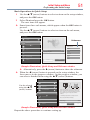
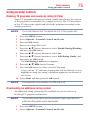
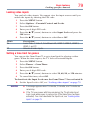
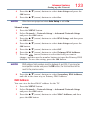
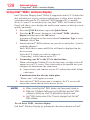
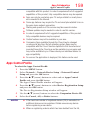
To reset to the factory defaults:
1 Press the MENU button.
2 Select Picture > Reset.
3 Press the OK button.
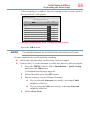
A confirmation screen appears.
4 Press the t/u (arrow) buttons to select Yes, and then press OK.
Using the advanced picture settings features
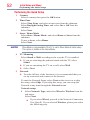
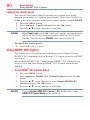
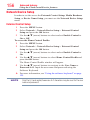
Edge Enhancer
If the Edge Enhancer set to On, the clarity levels can be adjusted
automatically.
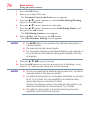
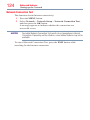
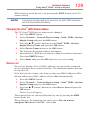
1 Press the MENU button.
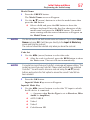
2 Select Picture > Advanced Picture Settings > Edge Enhancer
and press the OK button.
3 Press the p/q (arrow) buttons to select On.
4 Press the EXIT button.
NOTE
v This feature may not work properly depending on the content.
❖❖ Noise may appear on the image depending on the device connected to
the TV (e.g. a device with a specific enhancer function).
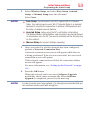
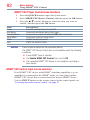
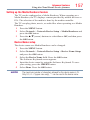
Dynamic Contrast
Dynamic Contrast detects changes in picture quality that affect the
appearance of your contrast settings and then automatically adjusts the
video.
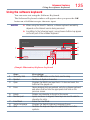
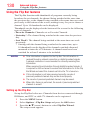
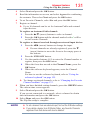
1 Press the MENU button.
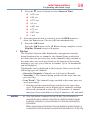
2 Select Picture > Advanced Picture Settings > Dynamic Contrast
and press the OK button.
3 Press the p/q (arrow) buttons to select High, Middle, Low, or
Off.
4 Press the EXIT button.