1
Connecting an S-Video Source
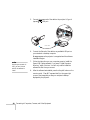
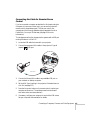
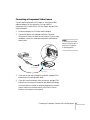
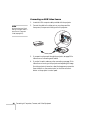
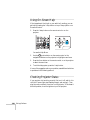
1. Locate an S-video cable (one is usually provided with your video
equipment or you can purchase one from Epson; see page 12).
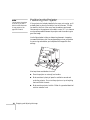
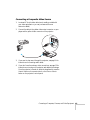
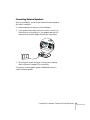
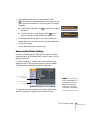
2. Connect the cable to the S-video connector on your player and
the S-Video connector on the projector:
3. If you want to play sound through the projector, see page 50 for
instructions on connecting audio cables.
4. If you don’t need to make any other connections, see page 15 for
instructions on turning on the projector and adjusting the image.
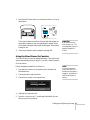
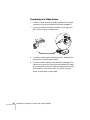
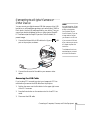
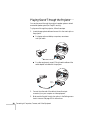
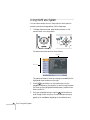
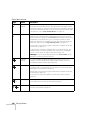
Once the projector is turned on, select the image source: press the
Search button on the remote control or the Source Search
button on the projector’s control panel.
46
Connecting to Computers, Cameras, and Other Equipment