1
mxb401_us_qck.book
93 ページ
2009年1月8日 木曜日 午後2時1分
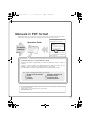
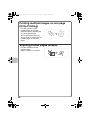
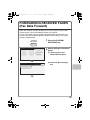
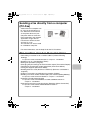
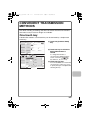
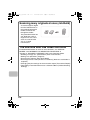
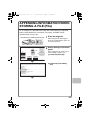
Sending a fax directly from a computer
(PC-Fax)
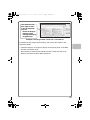
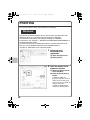
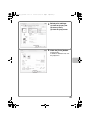
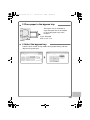
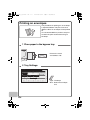
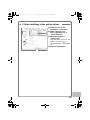
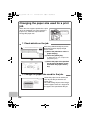
A document on a computer can
be sent via the machine as a
fax. Select the PC-Fax driver
as the printer driver on your
computer and then select the
Print command in the software
application. Image data for
transmission will be created
and sent as a fax.
This function can only be used
on a Windows computer.
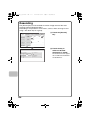
Transmission
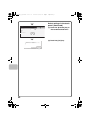
For more information, see the Help file for the PC-Fax driver.
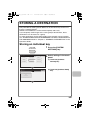
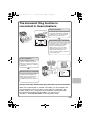
The machine also has these functions
• Forwarding a received fax to a network address (Inbound Routing
Settings)
☞ Operation Guide "FAX RECEPTION" in "Chapter 4 - FACSIMILE"
• Sending a fax at a specified time (Timer)
• Storing fax operations (Program)
• Changing the print settings for the transaction report (Transaction Report)
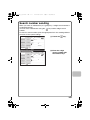
• Temporarily changing the sender information (Own Name Select)
• Faxing thin originals (Slow Scan Mode)
• Sending business cards (Business Card Scan) (Business card feeder is
required.)
• Calling a fax machine and initiating fax reception (Polling)
• Sending a fax when another machine polls your machine (Polling Memory)
☞ Operation Guide "SPECIAL MODES" in "Chapter 4 - FACSIMILE"
• Performing F-code communication
☞ Operation Guide "PERFORMING F-CODE COMMUNICATION" in
"Chapter 4 - FACSIMILE"
• Connecting and using an existing phone (Extension Phone Connection)
☞ Operation Guide "USING AN EXTENSION PHONE" in
"Chapter 4 - FACSIMILE"
93