1
LIP-8012E & LIP-8024E Gigabit Phone
User Guide
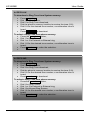
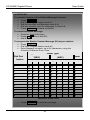
In iPECS-LIK
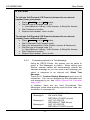
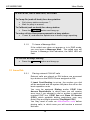
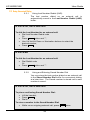
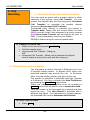
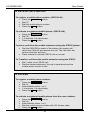
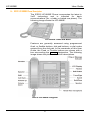
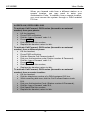
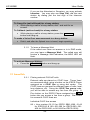
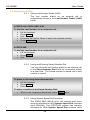
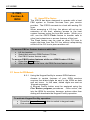
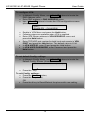
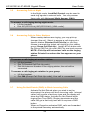
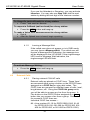
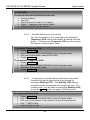
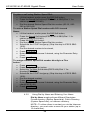
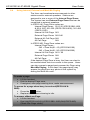
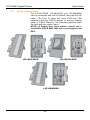
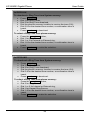
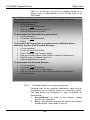
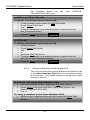
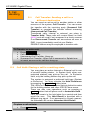
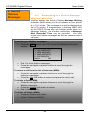
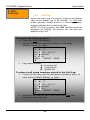
To use a Serial DSS:
•
•
•
•
•
•
•
Verify the Station has Serial DSS Usage authority (Admin
PGM111-Flex21),
Verify the DSS power is OFF (LIP-8048DSS only),
Power-OFF the phone,
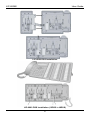
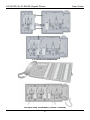
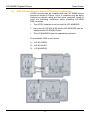
Connect the serial DSS to the phone,
Power-ON the phone and the DSS (LIP-8048DSS only),
Program the DSS button using Web Admin Programming or
PGM115,
Edit LSS label from Admin PGM129 (default label is provided
from MFIM).
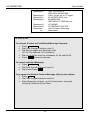
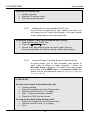
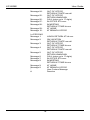
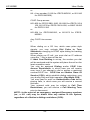
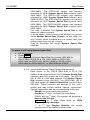
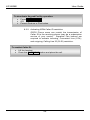
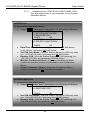
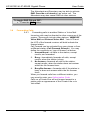
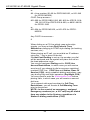
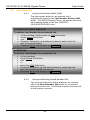
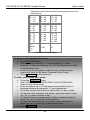
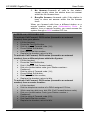
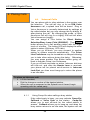
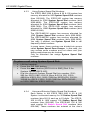
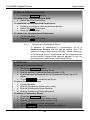
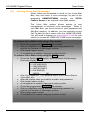
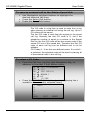
To initialize Serial DSS Database:
•
•
•
•
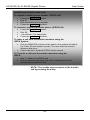
Enter Admin PGM111-Flex21,
Select Station range to clear Serial DSS Database,
Dial 0,
Press the HOLD/SAVE button.
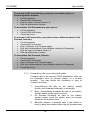
In iPECS-MG
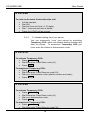
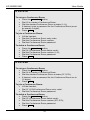
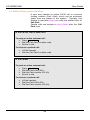
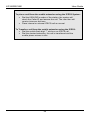
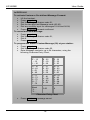
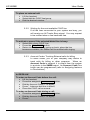
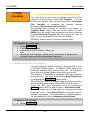
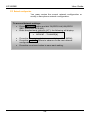
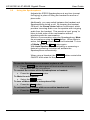
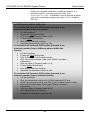
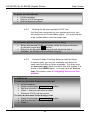
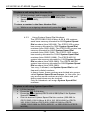
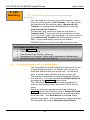
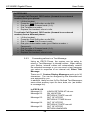
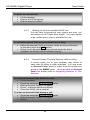
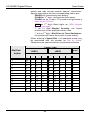
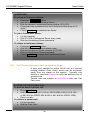
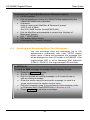
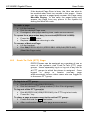
To use a Serial DSS:
•
•
•
•
•
•
•
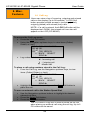
Set the Station’s Serial DSS Usage Map (Admin PGM120Flex2),
Verify the DSS power is OFF (LIP-8048DSS only),
Power-OFF the phone,
Connect the serial DSS to the phone,
Power-ON the phone and the DSS (LIP-8048DSS only),
Program the DSS button using Web Admin Programming or
PGM126,
Edit LSS label from Admin PGM126.
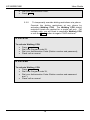
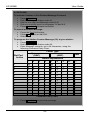
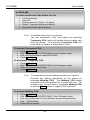
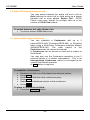
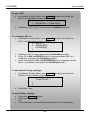
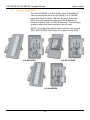
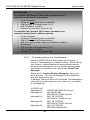
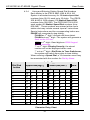
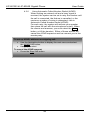
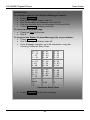
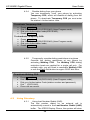
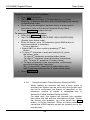
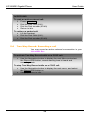
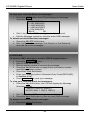
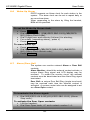
To initialize Serial DSS Database:
•
•
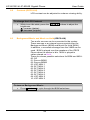
Clear the Station’s Serial DSS Usage Map (Admin PGM120Flex2),
Admin PGM120-Felx3 to reset the phone.
17