1
DiBos/DiBos Micro
Connections | en
3.
127
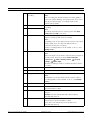
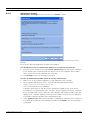
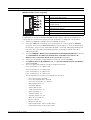
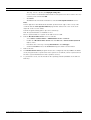
Save the file under the file name lmhosts in the directory
C:\WINDOWS\system32\drivers\.
4.
Remove the file extension .txt in Windows Explorer. The file must not have an
extension.
5.
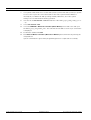
Reboot the computer.
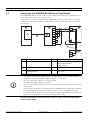
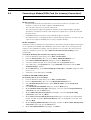
In the router configuration:
1.
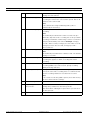
Use the standard configuration of the network provider.
2.
Activate the router's firewall.
3.
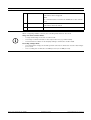
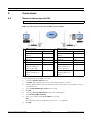
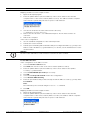
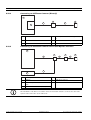
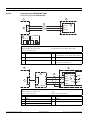
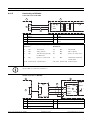
Activate port forwarding and forward the UDP port configured in DiBos (e.g. 1750) to the
DiBos recorder IP address (e.g. 192.168.0.2). To do this, use the manufacturer's router
documentation.
NOTICE!
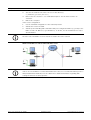
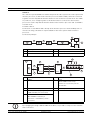
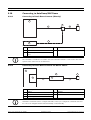
The DSL router and DiBos receiver must be located in the same network.
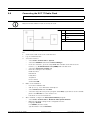
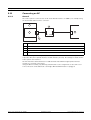
With several DiBos recorders behind the DSL router
NOTICE!
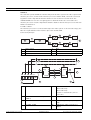
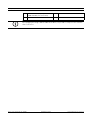
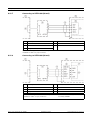
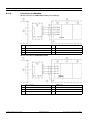
If there are several DiBos recorders behind the DSL router, it is recommended that you use a
VPN (Virtual Private Network). You can obtain more detailed information regarding VPN
settings from Bosch Security Systems.
Bosch Sicherheitssysteme GmbH
Installation Guide
F.01U.033.308 | V7 | 2009.09