1
D-Link DES-3250TG Standalone Layer 2 Switch
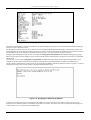
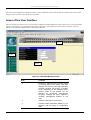
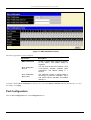
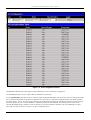
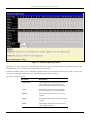
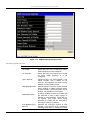
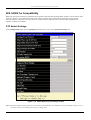
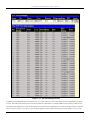
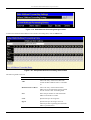
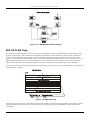
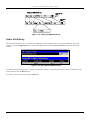
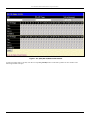
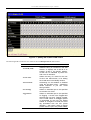
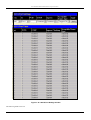
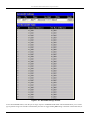
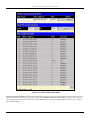
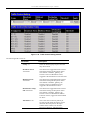
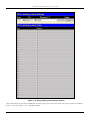
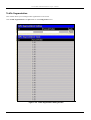
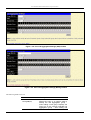
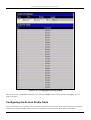
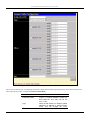
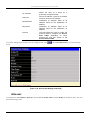
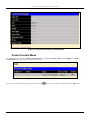
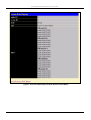
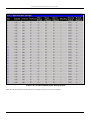
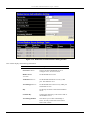
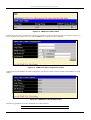
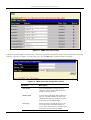
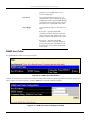
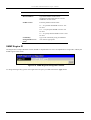
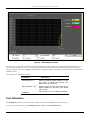
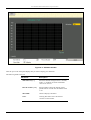
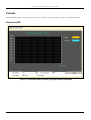
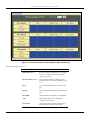
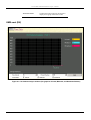
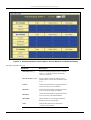
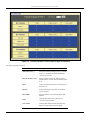
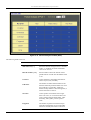
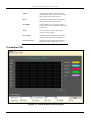
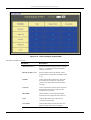
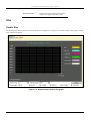
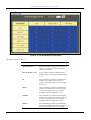
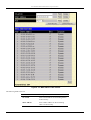
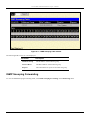
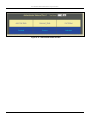
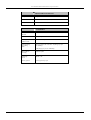
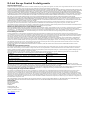
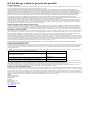
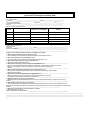
Figure 9- 4. Rx Packets Analysis window (table for Bytes and Packets)
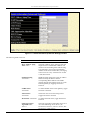
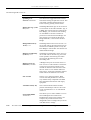
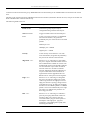
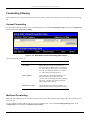
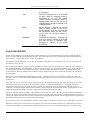
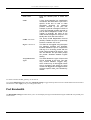
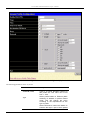
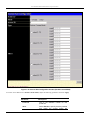
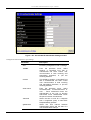
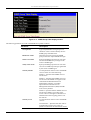
The following fields can be set:
Parameter
Description
Time Interval [1s ]
Select the desired setting between 1s and 60s,
where “s” stands for seconds. The default
value is one second.
Record Number [200]
Select number of times the Switch will be
polled between 20 and 200. The default value
is 20.
Bytes
Counts the number of bytes received on the
port.
Packets
Counts the number of packets received on the
port.
Show/Hide
Check whether to display Bytes and Packets.
Clear
Clicking this button clears all statistics
counters on this window.
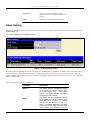
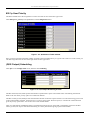
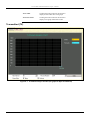
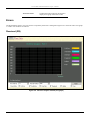
View Table
Clicking this button instructs the Switch to
display a table rather than a line graph.
126