1
BASIC OPERATION (Continued)
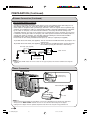
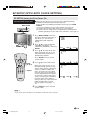
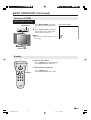
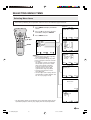
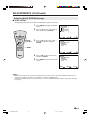
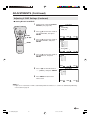
Turning on POWER
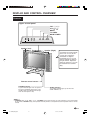
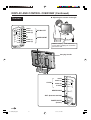
Control section of main unit
1
MAIN POWER
VOL
CH
MENU TV/VIDEO
2
MAIN POWER
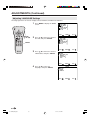
Press MAIN POWER, located on
the upper side of the main unit, to
on.
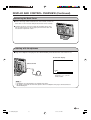
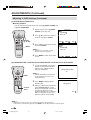
▼ On-screen display
2
The POWER indicator instantaneously changes from red to green
and the main unit turns on.
A
• The On-screen indicator disappears after a
few seconds.
STEREO
SAP
MONO
Notes:
POWER indicator
Standby
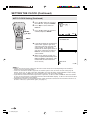
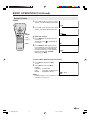
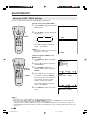
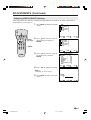
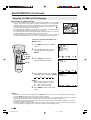
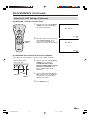
To turn off the LCD TV
POWER
Press POWER on the remote control.
The POWER indicator turns red.
DISPLAY
SLEEP
PIC. FLIP
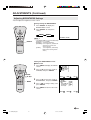
To turn the LCD TV back on
ENTER
MUTE
BRIGHT TV/VIDEO MENU
FLASHBACK
VOL
POWER
Press POWER again.
The POWER indicator turns green.
CH
21
LC-15B4U(Mex)(E)-b
21
03.7.31, 0:17 PM