1
3
Shooting in Special
Conditions and Commonly Used
Functions
Y
P
O
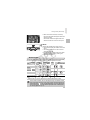
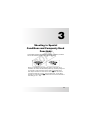
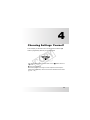
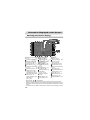
This chapter explains how to shoot in different conditions, as well as
how to use common functions, such as the self-timer.
C
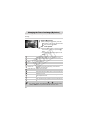
• When you choose a Shooting mode that matches a particular set of
conditions, the camera will automatically select any necessary settings. All
you need do is press the shutter button to take an optimized picture.
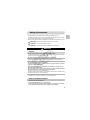
• This chapter assumes the mode switch is set to A for the sections
“Turning the Flash Off” (p. 64) to “Using the Self-Timer” (p. 68). When
shooting in a mode other than A, check which functions are available in
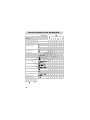
that mode (pp. 164 – 166).
53