1
6.4
1.
2.
3.
4.
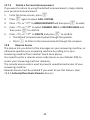
Delete a Phonebook Entry
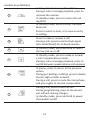
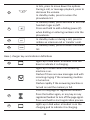
From the home screen, press - to open the phonebook list.
Press + or - to select the entry you want to delete.
Press M to open the phonebook menu options.
Press + or - to DELETE and then press M to select.
• CONFIRM? is displayed.
5.
Press M again to confirm.
• A confirmation tone is played.
6.
Press O to return to standby mode.
6.5
1.
2.
3.
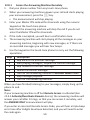
Delete All Entries from the Phonebook List
From the home screen, press - to open the phonebook list.
Press M to open the phonebook menu options.
Press + or - to DELETE ALL and then press M to select.
• CONFIRM? is displayed.
4.
Press M again to confirm.
• A confirmation tone is played.
5.
Press O to return to standby mode.
30