1
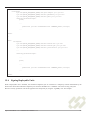
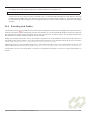
Note that the Addresses attribute is an array of addresses, hence the enclosing brackets.
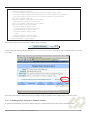
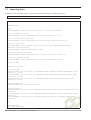
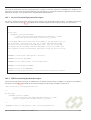
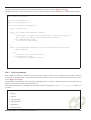
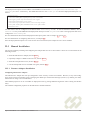
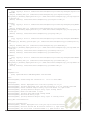
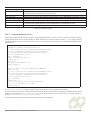
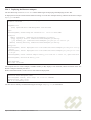
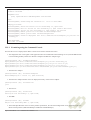
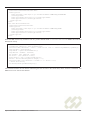
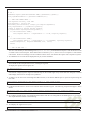
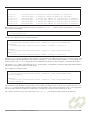
[Rhino@localhost (#1)] setprofileattributes CallForwardingProfiles profile1 \
Addresses "[E.164:5551212]" \
ForwardingAddress "E.164:5553434" \
ForwardingEnabled "true"
Set attributes in profile CallForwardingProfiles/profile1
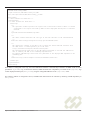
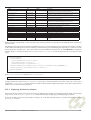
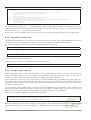
3. View the profile.
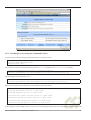
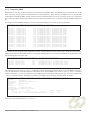
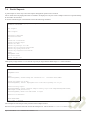
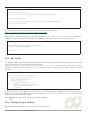
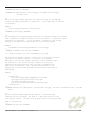
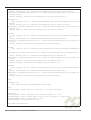
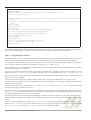
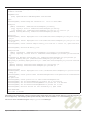
[Rhino@localhost (#2)] listprofileattributes CallForwardingProfiles profile1
RW javax.slee.Address[] Addresses=[E.164: 5551212]
RW boolean ForwardingEnabled=true
RW javax.slee.Address ForwardingAddress=E.164: 5553434
Forwarding from 5551212 to 5553434 is now enabled.
23.6 JCC Call Forwarding Service
23.6.1
Trace Components
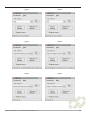
In order for users to test the JCC resource adaptor, a graphical JCC trace component is included as part of the JCC resource
adaptor. This trace component allows the user to create and terminate calls. Each trace component has an associated E.164
address and listens for events destined to that address. The trace component does not function as a terminal device, i.e. it is
never ‘busy’ and multiple components can share the same address.
23.6.2
Creating Trace Components
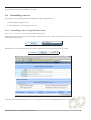
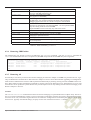
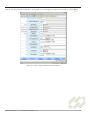
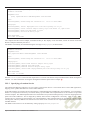
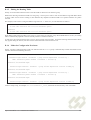
Trace components are created by use of the createjcctrace.sh shell script that is located in the JCC examples directory. The
parameter to the shell script is the E.164 address that the trace component will listen to events on. For example, the commands:
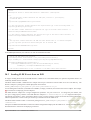
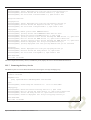
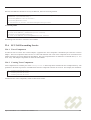
$ ./createjcctrace.sh 1111
$ ./createjcctrace.sh 2222
$ ./createjcctrace.sh 3333
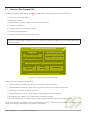
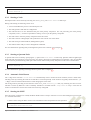
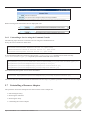
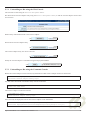
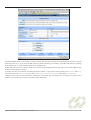
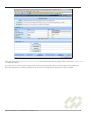
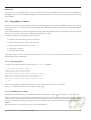
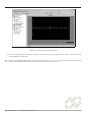
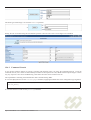
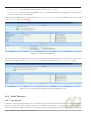
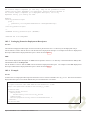
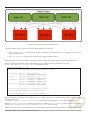
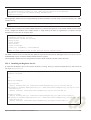
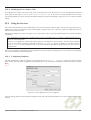
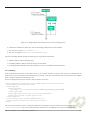
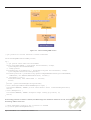
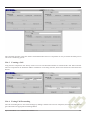
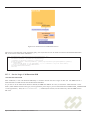
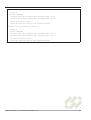
will launch 3 JCC trace components, similar to those shown below.
Open Cloud Rhino 1.4.3 Administration Manual v1.1
161