1
Bose® ControlSpace™ Designer™ Software User Guide
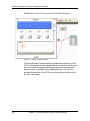
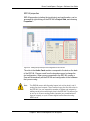
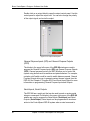
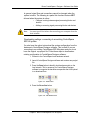
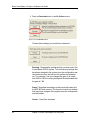
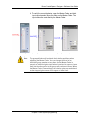
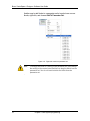
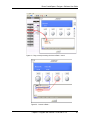
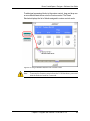
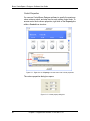
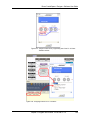
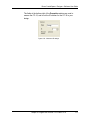
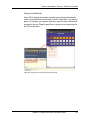
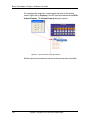
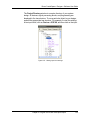
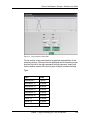
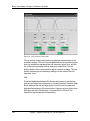
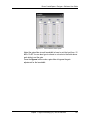
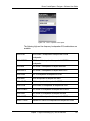
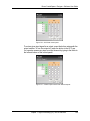
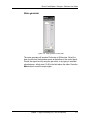
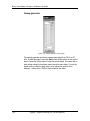
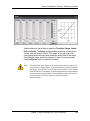
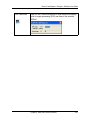
Figure 7.56 - Stereo AGC control panel
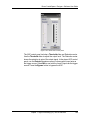
The AGC control panel includes a Threshold slider and Reduction meter.
Use the Threshold slider to adjust the output level. The Reduction meter
shows the reduction in gain of the output signal. In the stereo AGC control
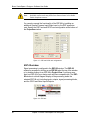
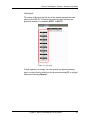
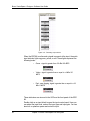
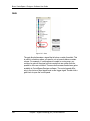
panel, use the Detector dropdown menu to choose which input acts as
the trigger source. Select Mix to use both the L and R inputs as the trigger
source. Press the Bypass button to bypass the AGC.
Chapter 7: Signal Processing (SP) Tool Kit reference
185