1
2
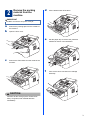
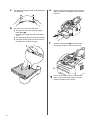
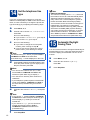
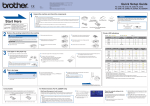
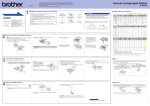
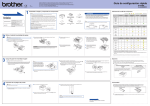
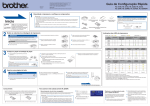
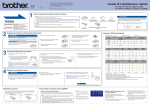
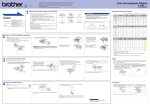
Remove the packing
material from the
machine
d
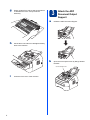
Lift the elastic band off the drum.
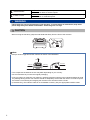
IMPORTANT
DO NOT connect the AC power cord yet.
a
b
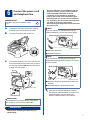
Remove the packing tape from the outside of
the machine.
Open the front cover.
e
c
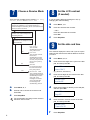
Pull the paper strip to remove the protective
material as shown in the illustration.
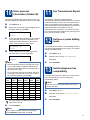
Remove the Silica Pack from the inside of the
machine.
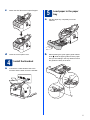
f
Take out the drum unit and toner cartridge
assembly.
CAUTION
CAUTION
DO NOT eat the silica gel pack. Please throw
away. If ingested, seek medical attention
immediately.
3