1
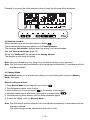
2-6. Memory Mode
After making new settings in Manual Mode, you can store your settings or retrieve them in this
mode.
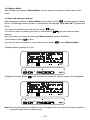
(1) Store new setting in memory
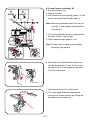
After changing the settings in Manual Mode, press memory button
and then memory number
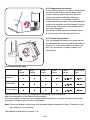
blinks. If the blinking memory number is used already, the message “Over write OK?” appears and
blinks.
If you want to overwrite, press the memory button
again.
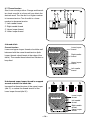
If you do not want to overwrite, press plus or minus button
until you reach an empty
memory.
When the memory is empty, the message “Memory empty” appears and blinks.
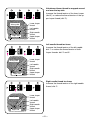
Press memory button
to store.
If you do not want to overwrite or store, press the auto button
to leave Memory Mode.
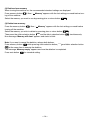
Example: Memory number 01 is full.
Example: Press plus button
twice and memory number 03, which is empty, will be displayed.
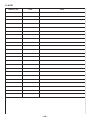
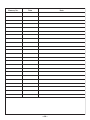
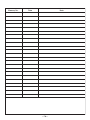
Note: There are 50 memories available. On the last page of this instruction book, there is space for
your notes about what you have stored.
—13—