1
Viewing Caller ID List
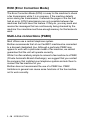
Caller ID memory stores information for up to thirty calls; when the
thirty-first call comes in, information about the first call is erased. You
can scroll through Caller ID information to review those calls made to
your MFC.
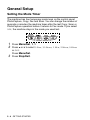
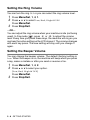
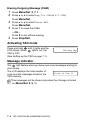
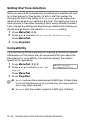
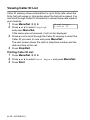
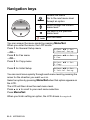
1 Press Menu/Set, 2, 0, 4.
Miscellaneous
4.Caller ID
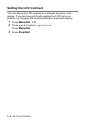
2 Press ▲ or ▼ to select Display#
and press Menu/Set.
If the name was not received, it will not be displayed.
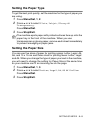
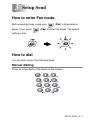
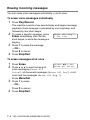
3 Press ▲ or ▼ to scroll through the Caller ID memory to select the
Caller ID you want to view and press Menu/Set.
The next screen shows the caller’s telephone number and the
date and time of the call.
4 Press Stop/Exit.
Printing Caller ID List
1 Press Menu/Set, 2, 0, 4.
2
3
4
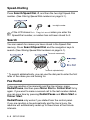
Press ▲ or ▼ to select Print Report.
Press Menu/Set.
Press Start.
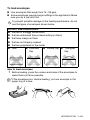
If you use the Caller ID for Dial back…
■ Please be sure that you use appropriate dialling procedures
for local and national call.
■ Please be sure that you make sure of the details of the exact
number to be called back, and the need to insert prefix(es)
for manual dialling.
■ Please understand that your MFC may not display precisely
the digits to be called.
APPENDIX A A - 10