1
Epson AcuLaser CX37 Series
Printer/Copier/Scanner User’s Guide
8. Select the General tab.
9. Click Printing Preferences.
Printing Preferences dialog box appears.
10. Select the default settings for your printer, such as the default media format you use, in the
appropriate tabs.
11. Click Apply.
12. Click OK to exit from the Printing Preferences dialog box.
13. Click OK to exit from the Properties dialog box.
Uninstalling the Printer Driver (for Windows)
1. Close all applications.
2. Choose the uninstall program.
3. When the Uninstall dialog box appears, select the printer to be deleted, and then click Uninstall
button.
4. Click Uninstall.
5. Click OK, and restart your computer.
6. The printer driver will be uninstalled from your computer.
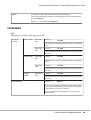
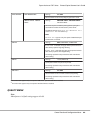
Printer Driver Settings
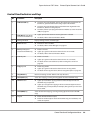
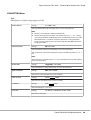
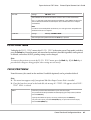
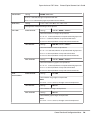
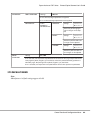
Common Buttons
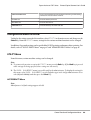
The buttons described below appear on each tab.
OK
Click to exit the Properties dialog box, saving any changes made.
Using the Printer Driver
116