1
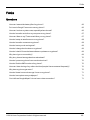
FAQs
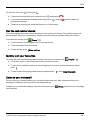
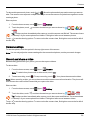
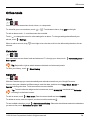
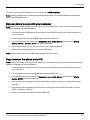
Power key, and then touch Power off) for a few minutes.
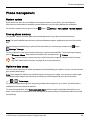
How do I know how much storage I have on my phone?
To view how much storage is available for use, touch
storage is shown in the internal storage section.
Apps > Settings > Storage. The available
You can also view your phone's internal and cloud storage status from the Vertu Certainty app.
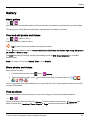
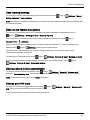
How do I set a photo as my wallpaper?
To set a photo you've taken as your new wallpaper, touch and hold an empty spot on one of your home
screen panels, then touch Pick Image and select the photo. Depending on the size, you may be required
to crop the photo.
Can I still use Google Maps if I do not have a data connection?
You can save data from Google Maps to your phone so that a map is available for use offline. This feature
is useful when you do not have a data connection, and it can also reduce your data transmission costs.
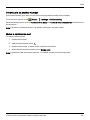
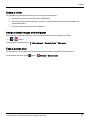
To save a map to your phone, view an area in Google Maps and touch > Make available offline. If you
wish to adjust the selected area, you can pinch the map to zoom in or zoom out. Touch DONE to
download the map data.
Tip: Blocks of map data can be up to 100 MB. So Vertu recommends that you connect to a Wi-Fi
network before you download.
© 2014 Vertu Corporation Limited. All rights reserved.
71