1
3
Command Line Interface
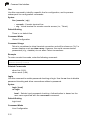
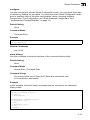
line
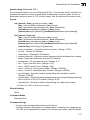
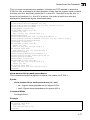
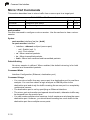
Use this command to identify a specific line for configuration, and to process
subsequent line configuration commands.
Syntax
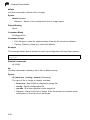
line {console | vty}
• console - Console terminal line.
• vty - Virtual terminal for remote console access (i.e., Telnet).
Default Setting
There is no default line.
Command Mode
Global Configuration
Command Usage
Telnet is considered a virtual terminal connection and will be shown as “Vty” in
screen displays such as show users. However, the serial communication
parameters (e.g., databits) do not affect Telnet connections.
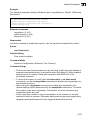
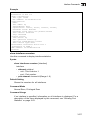
Example
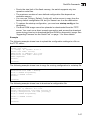
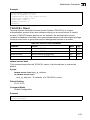
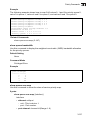
To enter console line mode, enter the following command:
Console(config)#line console
Console(config-line)#
Related Commands
show line (3-16)
show users (3-44)
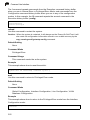
login
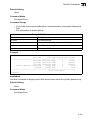
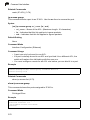
Use this command to enable password checking at login. Use the no form to disable
password checking and allow connections without a password.
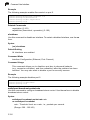
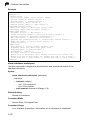
Syntax
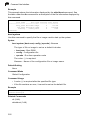
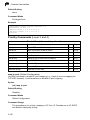
login [local]
no login
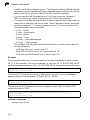
local - Selects local password checking. Authentication is based on the
user name specified with the username command.
Default Setting
login local
Command Mode
Line Configuration
3-10