1
4
Command Line Interface
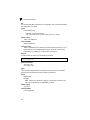
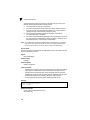
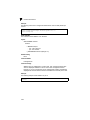
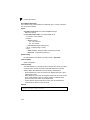
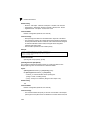
queue mode
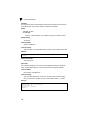
This command sets the queue mode to strict priority or Weighted Round-Robin
(WRR) for the class of service (CoS) priority queues. Use the no form to restore the
default value.
Syntax
queue mode {strict | wrr}
no queue mode
• strict - Services the egress queues in sequential order, transmitting all
traffic in the higher priority queues before servicing lower priority queues.
• wrr - Weighted Round-Robin shares bandwidth at the egress ports by using
scheduling weights 1, 2, 4, 6, 8, 10, 12, 14 for queues 0 - 7 respectively.
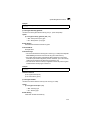
Default Setting
Weighted Round Robin
Command Mode
Global Configuration
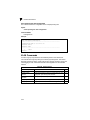
Command Usage
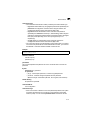
You can set the switch to service the queues based on a strict rule that
requires all traffic in a higher priority queue to be processed before lower
priority queues are serviced, or use Weighted Round-Robin (WRR) queuing
that specifies a relative weight of each queue. WRR uses a predefined relative
weight for each queue that determines the percentage of service time the
switch services each queue before moving on to the next queue. This
prevents the head-of-line blocking that can occur with strict priority queuing.
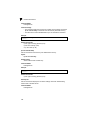
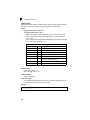
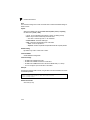
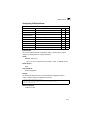
Example
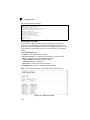
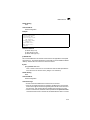
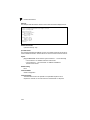
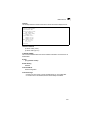
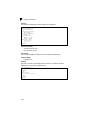
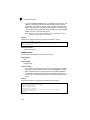
The following example sets the queue mode to strict priority service mode:
Console(config)#queue mode strict
Console(config)#
4-192