1
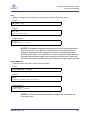
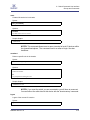
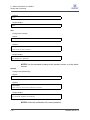
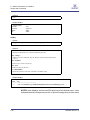
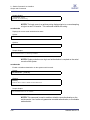
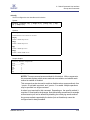
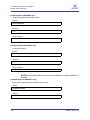
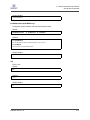
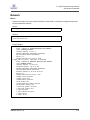
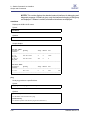
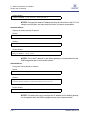
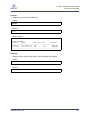
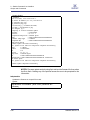
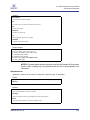
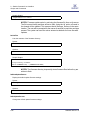
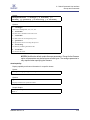
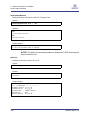
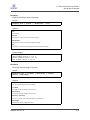
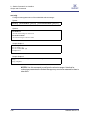
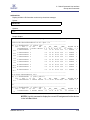
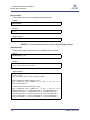
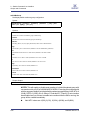
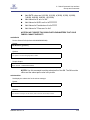
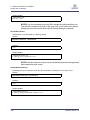
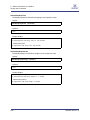
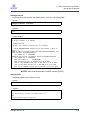
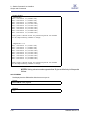
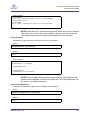
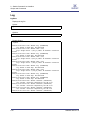
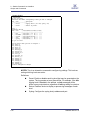
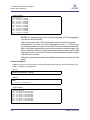
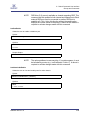
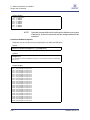
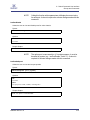
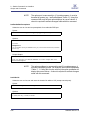
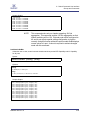
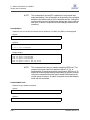
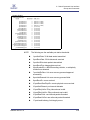
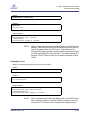
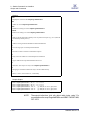
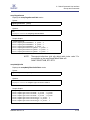
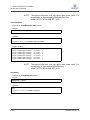
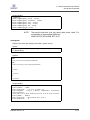
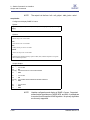
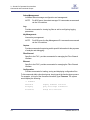
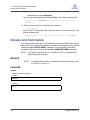
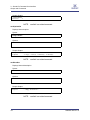
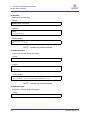
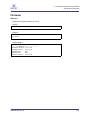
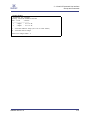
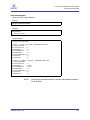
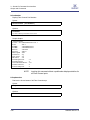
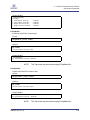
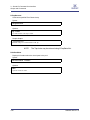
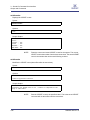
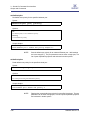
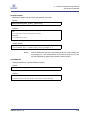
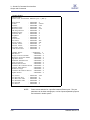
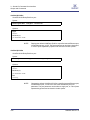
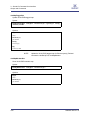
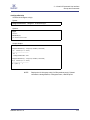
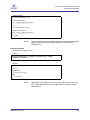
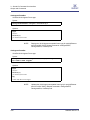
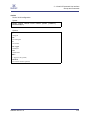
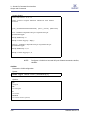
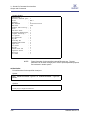
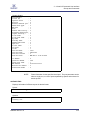
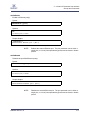
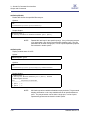
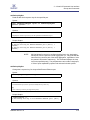
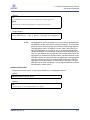
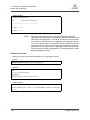
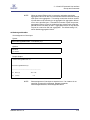
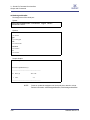
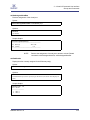
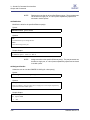
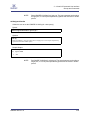
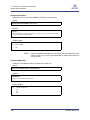
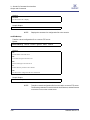
2 – Switch Command Line Interface Groups and Commands S smDefBcGroup Set/display default multicast group configuration. Syntax: smDefBcGroup [enable | disable] [default | pKey [mtu [rate [sl [qKey] [fl [tc] Options: enable Enable auto-creation of multicast group at SM startup. disable Disable auto-creation of multicast group at SM startup. default Set PKey, MTU, rate, SL, QKey FlowLabel, and TClass to default values. pkey Partition Key. If no value entered, defaults to use the default PKey (0xFFFF). mtu Maximum transfer unit. If no value entered, defaults to use mtu of 2048. rate Data Rate. If no value is entered, defaults to use a rate of 10GB. sl Service level. If no value is entered, defaults to service level 0. qKey Queue Key. If no value is entered, defaults to 0. FlowLabel Flow Label. If no value is entered, defaults to 0. TClass Traffic Class. If no value entered, defaults to 0. Sample Output: -> smDefBcGroup 0xffff 4 3 0 NOTES: This will enable or disable auto-creation of a default broadcast group with one member with a GUID of 0x00066A00FACADE01. Executing this command with with the argument 'default' sets the default broadcast group with pkey=0xffff, MTU=4 (2048), RATE=3 (10GB), SL=0, QKey=0, FlowLabel=0, TClass=0. If auto-creation was disabled and you choose to enable auto-creation while the SM is running, the group will be created immediately. 2-62 Valid MTU values are 1(256), 2(512), 3(1024), 4(2048), and 5(4096) D000025-002 Rev. A