1
User’s Guide
Printing
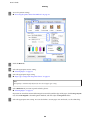
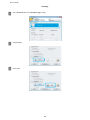
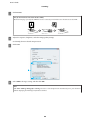
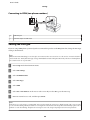
Windows Vista:
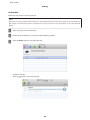
Click the start button, select Control Panel, and then select Printer from the Hardware and Sound category.
Windows XP:
Click Start and select Control Panel, and then select Printers and Faxes, from the Printers and Other
Hardware category.
B
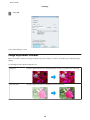
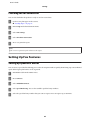
Windows 8 and 7:
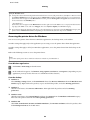
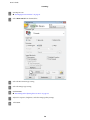
Right-click on the product, or press and hold the product, and select Printer properties, and then select
Sharing. Then select the Change Sharing Options button.
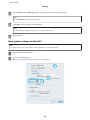
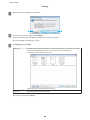
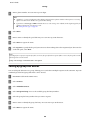
Windows Vista:
Right-click the icon for your product, and then click Sharing. Click the Change sharing options button and
then click Continue.
Windows XP:
Right-click the icon for your product, then click Sharing.
C
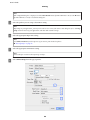
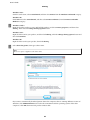
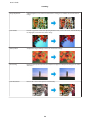
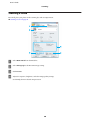
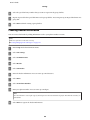
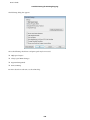
Select Share this printer, then type a Share name.
Note:
Do not use spaces or hyphens in the share name.
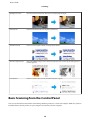
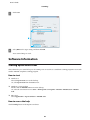
If you want to automatically download printer drivers for computers that are running different versions of
Windows, click Additional Drivers and select the environment and the operating systems of the other
computers. Click OK, then insert the product software disk.
67