1
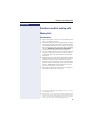
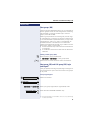
Functions used for making calls
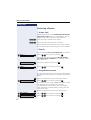
Step by step
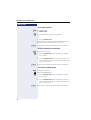
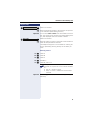
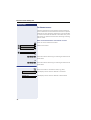
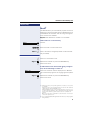
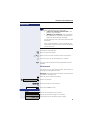
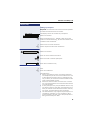
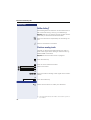
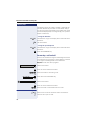
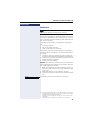
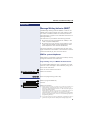
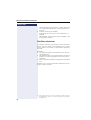
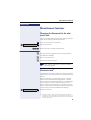
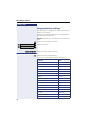
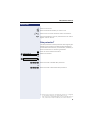
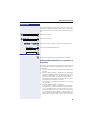
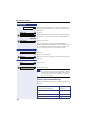
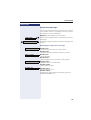
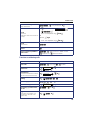
Select and confirm.
CHANGE?
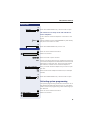
p Enter the external number to be stored in this position
in the individual speed dialing directory.
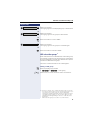
Optional You can also enter a name to be associated to the number. This name will be stored in the speed dialing directory and displayed when the number is dialed.
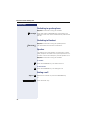
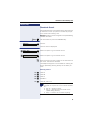
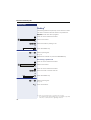
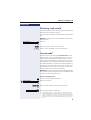
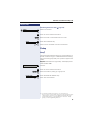
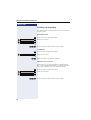
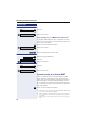
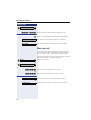
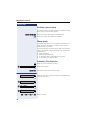
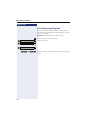
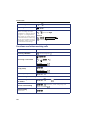
Select and confirm.
ENTER NAME?
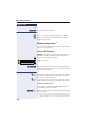
p Enter the name you want to associate to the number for
Caller ID and phonebook searches.
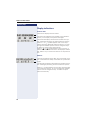
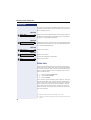
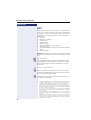
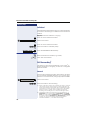
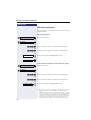
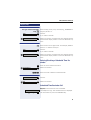
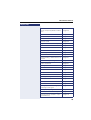
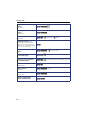
The telephone keypad is now available for entering letters by repeatedly pressing the key for the letter you
want.
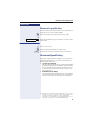
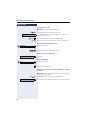
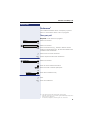
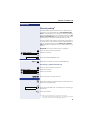
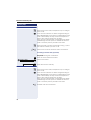
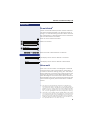
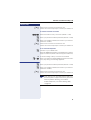
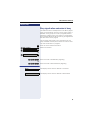
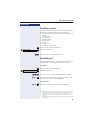
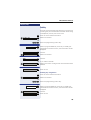
Entering Letters
1x
2x
3x
4x
1x
f
f
f
f
g
Letter A
Letter B
Letter C
Number 2
Letter D, and so on.
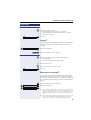
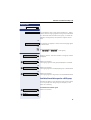
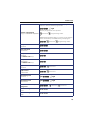
Example: Press the " 2" key three times to enter
the letter "C" or press "3" twice to enter the letter
"E."
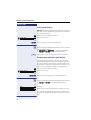
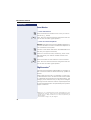
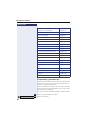
• Key "0" = enters a space.
• Keys "1" and "#" = delete the last character
entered.
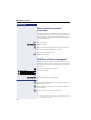
Optional An Interdigit Pause ("P") can be added by pressing the
redial key.
23