1
Troubleshooting
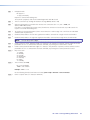
Turn on the equipment in the following order:
1. The PC1 power control interface
2. The power receptacles on the PC1
3. The connected output device on the AC receptacle.
If the output AV device cannot be powered on, check the following:
Power Connections
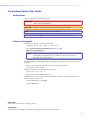
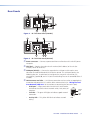
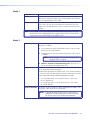
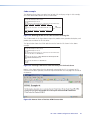
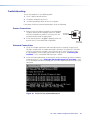
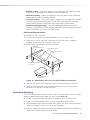
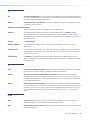
1. Make sure that the output receptacle is receiving power.
The green Power LED on receptacle remains lit steadily
while the receptacle has power. If necessary, press the
receptacle Power button to apply power.
2. Ensure that the device is plugged in properly to the rear
panel of the PC1 and switched on if applicable.
POWER
I
Receptacle
Power Button
Receptacle
Power LED
Network Connections
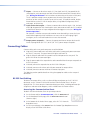
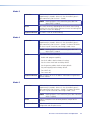
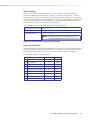
1. Check the network connections and make adjustments as needed. The green Link
LED lights steadily while a network connection is detected. The yellow ACT LED blinks
if there is activity on the network. If these LEDs are not lit, either the cable is faulty
or not plugged in, or the wrong type of cable is being used (see “Connecting the
Hardware,” in the “Installation and Rear Panel” section).
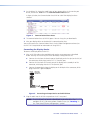
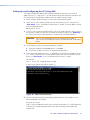
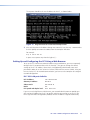
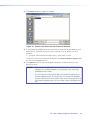
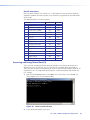
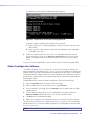
2. At the DOS command prompt, try to ping the unit by entering ping and the IP address
assigned to your PC1 (see “Setting Up and Configuring the PC1 Using ARP”). If the
PC1 is connected and communicating, you receive the following response to your ping
command:
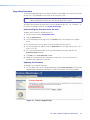
Figure 40. Successful Ping Command Response
IPL T PC1 • HTML Configuration and Control
45