1
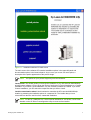
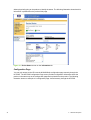
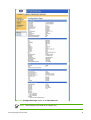
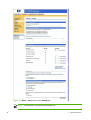
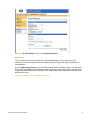
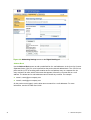
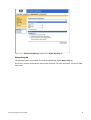
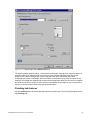
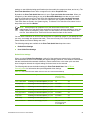
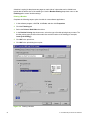
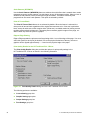
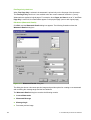
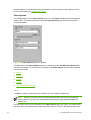
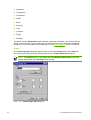
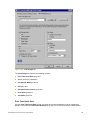
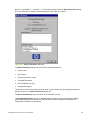
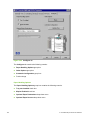
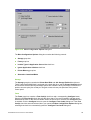
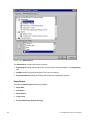
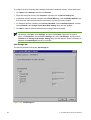
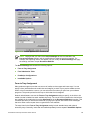
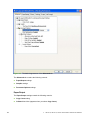
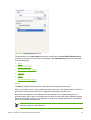
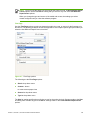
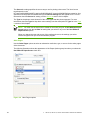
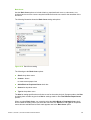
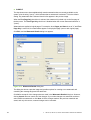
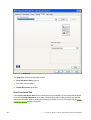
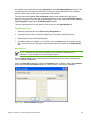
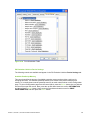
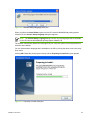
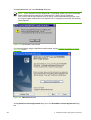
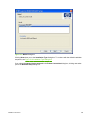
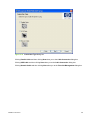
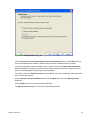
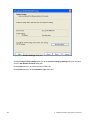
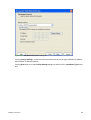
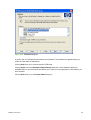
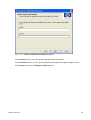
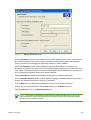
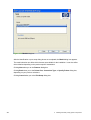
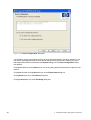
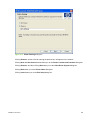
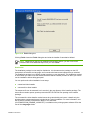
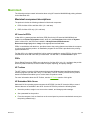
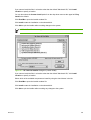
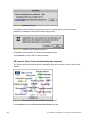
Figure 5-18 Set Network Protocol dialog box
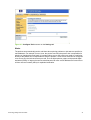
Clicking Change Settings... makes the text boxes active so that you can type a different IP Address,
Subnet Mask, or Gateway address.
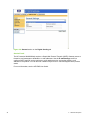
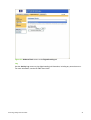
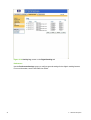
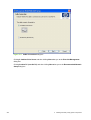
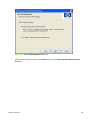
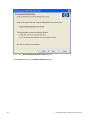
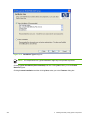
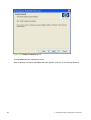
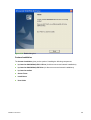
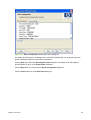
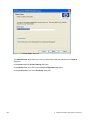
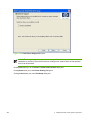
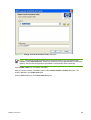
Clicking Next takes you to the Confirm Settings dialog box and then to the Installation Type dialog
box.
Installation instructions
245