1
Motion detection
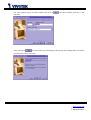
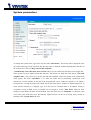
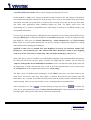
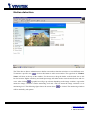
The Video Server allows Administrator to define at most three detection windows to cover different areas.
To monitor a specific area,
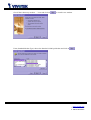
click on this button to add a new window. The typed text in "Window
Name" will show at the top of the window. Use the mouse to drag the border to the desired size or title
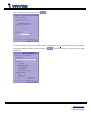
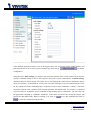
bar for location. Higher sensitivity and small percentage will make motion easier detected easier and vice
versa. After clicking
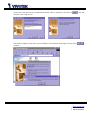
, a graphic bar will go up or down depending on the image variation. A green bar
means the image variation is under monitoring level and a red bar means the image variation is over
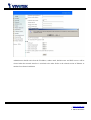
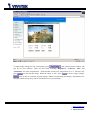
monitoring level. The following figure shows the screen when
is clicked. The monitoring windows
will be marked by red squares.
50
www.vivotek.com
T: 886-2-22404099
F: 886-2-22404097