1
#5_ MV550i/530i__E(104-131)
1/9/02 14:54
Page 120
Erasing Still Images
E
REC
SEARCH
REC
SEARCH
CARD
SLIDE
SHOW
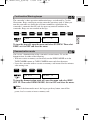
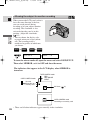
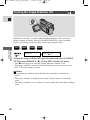
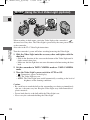
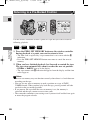
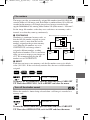
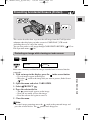
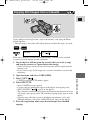
This section describes how to erase the still image from the Card Operation
submenu when playing back a single image in CARD PLAY (VCR) mode.
(SINGLE or ALL)
You can also erase a still image through CARD PHOTO REVIEW ( 115) or
File Operation menu ( 116).
CARD
+
PLAY
(VCR)
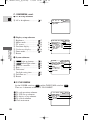
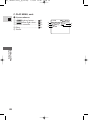
CARD OPER.
(
IMAGE ERASE
40)
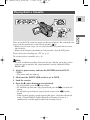
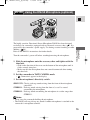
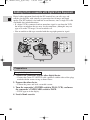
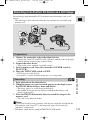
Make sure a memory card that has images recorded on it is inserted into the
camcorder.
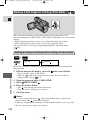
To erase images one at a time
Using a Memory Card
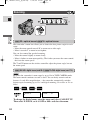
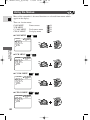
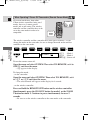
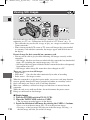
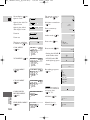
1. Select the image you want to erase.
120
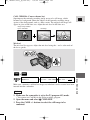
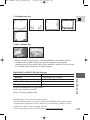
• Use the index screen ( 113) or card jump function ( 113) if necessary
and make sure the image you want to erase fills the display.
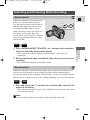
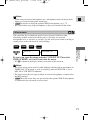
• If you use the index screen, press the
index screen button after selecting
the image. The image you selected fills the whole display.
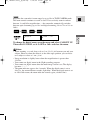
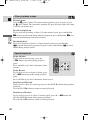
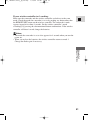
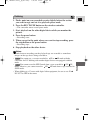
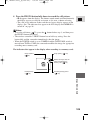
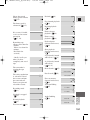
2. Open the menu and select CARD OPER.
3. Select IMAGE ERASE.
• CANCEL, SINGLE and ALL settings appear.
• To cancel erasing, select CANCEL and close the menu.
4. Select SINGLE.
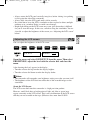
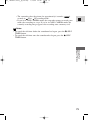
• ERASE THIS IMAGE? NO YES appears in the display.