1
all.book Page 130 Wednesday, April 26, 2000
7:08 PM
11. Troubleshooting
Problems and Solutions
If you have any problems with your fax, first refer to the following
troubleshooting guide. If you cannot solve the problem, call Sharp's
Customer Assistance Center at 1-800-BE SHARP.
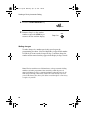
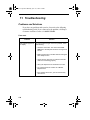
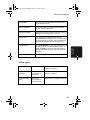
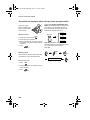
Line error
Problem
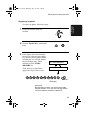
LINE ERROR appears in
the display.
Solution
Try the transaction again. If the error persists, check
the following:
• Check the connection. The cord from the TEL.
LINE jack to the wall jack should be no longer than
six feet.
• Make sure there are no modem devices sharing the
same telephone line.
• Check with the other party to make sure their fax
machine is functioning properly.
• Have your telephone line checked for line noise.
• Try connecting the fax machine to a different
telephone line.
• If the problem still occurs, your fax machine may
need service.
130