1
Security System | User's Guide | Appendix - System Trouble Displays
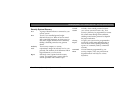
System Trouble Displays
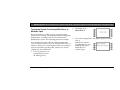
If you see any of the system trouble displays shown below,
contact your security company to determine whether repairs
are needed.
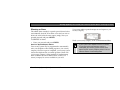
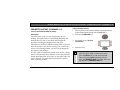
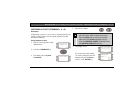
The Silence> soft key is only displayed if a
trouble tone was sent along with the trouble
display.
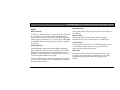
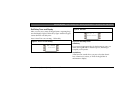
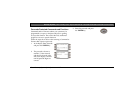
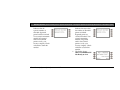
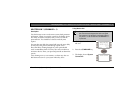
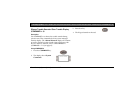
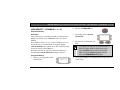
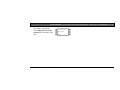
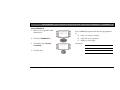
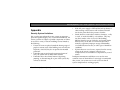
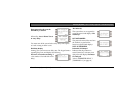
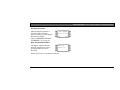
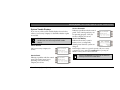
Call for Service
Call your security company for
service.
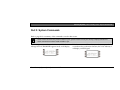
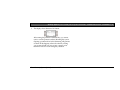
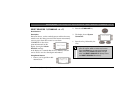
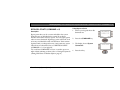
Service Panel
Indicates a problem with the control
panel. The control panel is not
operating. Call your security
company for service.
Bosch Security Systems | 9/04 | 4998122475D
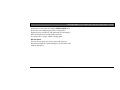
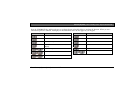
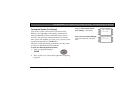
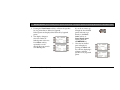
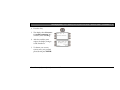
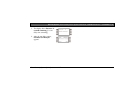
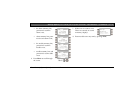
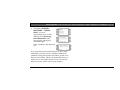
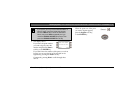
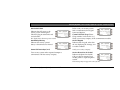
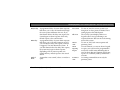
Service Parameter
Indicates a problem with the control
panel. Your control panel may not
be operating properly. Call your
security company for service.
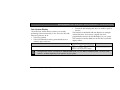
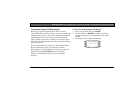
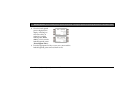
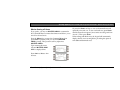
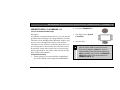
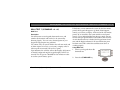
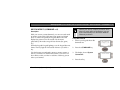
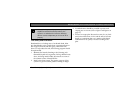
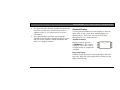
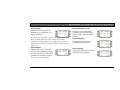
Service Low Battery
Indicates the security system’s
battery is low, or temporarily
draining faster than the system can
charge it.
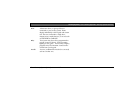
If this display remains or appears frequently, call your security
company for service. Entering COMMAND 4 or pressing the
Silence> soft key silences the trouble buzz.
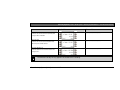
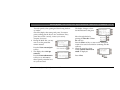
Entering COMMAND 4 or pressing the Silence>
soft key silences the trouble buzz.
70