1
NetDVR.book Page 38 Wednesday, May 12, 2004 4:06 PM
NetDVR | User’s Guide | Playback
38
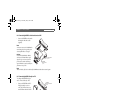
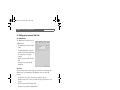
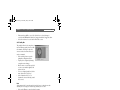
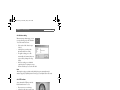
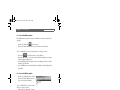
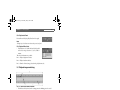
5.1.1 Select a NetDVR to playback
If a NetDVR is already selected, its nickname or IP Address is shown in the address field
(top right).
•
•
Reconnect by clicking the
‘Connect’ button.
Enter the User Name and Password of the device and click on the OK button.
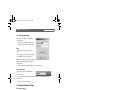
To select a NetDVR (if no selection is already shown) or to change a selection:
•
•
•
•
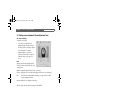
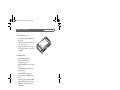
Click on the
‘Select Camera’ button to open the Explorer.
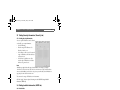
Expand the ‘My Cameras’ or ‘Local Area Cameras’ folders by clicking the [+] in front of
the name to list the installed devices.
Select a NetDVR by double-clicking on its name or by clicking the name once and then
clicking on the ‘OK’ button.
After a NetDVR has been selected its IP address or ‘Nick Name’ will be displayed in the
address filed.
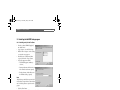
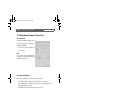
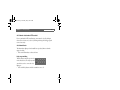
5.1.2 Select a NetDVR to playback
•
•
Reconnect by clicking the Connect button.
Enter the User Name and Password of the
device and click on the OK button.
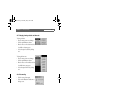
To select a NetDVR (if no selection is already
shown) or to change a selection:
•
•
•
•
•
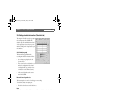
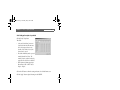
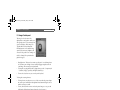
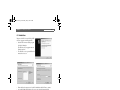
Click on the “Open backup file…” button
in the Explorer window.
From the “Open” explorer window
navigate to the backup folder.
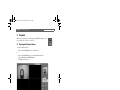
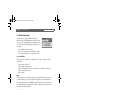
Select a backup file by double-clicking on
its name or by clicking the name once and
then clicking on the ‘OK’ button.
Enter a Password when prompted to do so.
After a NetDVR has been selected its file
name will be indicated in the address bar
and the file is opened for playback.
Bosch Security Systems | 2004-01