1
NetDVR.book Page 8 Wednesday, May 12, 2004 4:06 PM
NetDVR | User’s Guide | Introduction
8
1.2 Unpacking
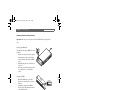
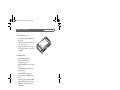
Unpack carefully and handle the electronic equipment with care to prevent damage. Check
for the following items:
•
•
•
•
•
•
NetDVR
Crossover cable, 1 m (red)
Direct cable 2 m (white)
Adapter and Power cable (12V DC, 3.5A)
Software
Manual
Note:
Save the packaging materials for future use if the unit needs to be shipped for service or repair.
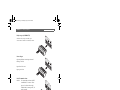
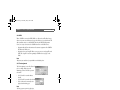
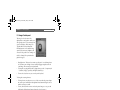
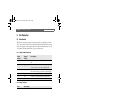
1.3 NetDVR Descriptions
BOSCH
1
Front View:
Operation:
Video Input:
Sensor Input:
Alarm Output:
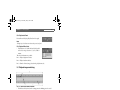
A
PWR
= Power ON indicator
RUN
= Internal processor is working when ON
REC
= Unit is recording when ON
CMPR = Unit is compressing images when ON
Indicator is ON for the enabled video input channels
Indicator is ON when event is detected on the input
Indicator is ON when relay output is active
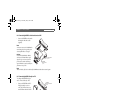
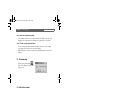
1. Hard Disk Rack with lock (A).
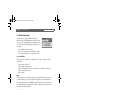
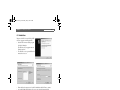
Rear View:
2.
3.
4.
5.
6.
7.
8.
Relay output (Alarm Out).
Sensor input.
Serial communication (RS232, RS 485, RS 422).
Base band video inputs.
Video input termination switch.
Ethernet Network.
Power supply input, 12Vdc, 3.5A.
2
3
4
5
6
Bosch Security Systems | 2004-01
7
8