1
Using the Organizer for the First Time
Auto Power Off Function
Be sure to perform the following operations before using the Organizer for
the first time.
When none of the keys has been pressed for approximately 7 minutes, the
Organizer automatically turns the power off to save the batteries. (The
actual time may vary depending upon the condition of use.) Press ON to
resume operation.
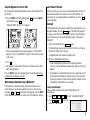
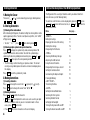
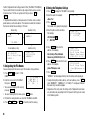
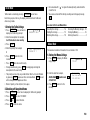
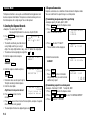
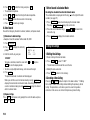
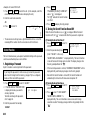
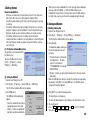
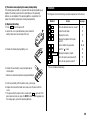
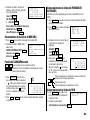
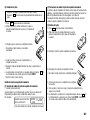
1. Press the RESET switch while holding down
switch and then release ON .
ON
. Release the RESET
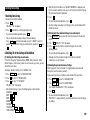
“CLEAR ALL DATA OK (Y/N) ?” is displayed.
Backlight
The Backlight allows you to view the display and use the Organizer even in
low-light conditions. Pressing BackLight once illuminates the display for
as long as you continue to use the Organizer, until you have not typed any
key for the interval you set. (See the following section, “Setting up the
Backlight”.)
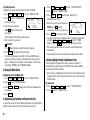
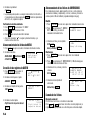
• To turn the Backlight off, press
• Under certain conditions the message may appear as “Data has been
impaired ! Press [Y] to CLEAR ALL memory”. Proceed to the next step
in either case.
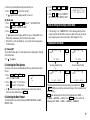
2. Press
Y
.
3. The Organizer is now initialized. Proceed to set the date and time of the
clock. (Refer to page 5.)
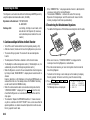
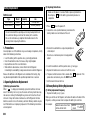
Press the RESET switch with a ball-point pen or similar object. Do not use
an object with a breakable or sharp tip.
When Abnormal Conditions Cause a Malfunction
If the Organizer is subjected to strong, extraneous electrical noises or
shocks during use, an abnormal condition may occur in which no keys
(including ON and OFF ) will respond. If this happens, press the RESET
switch. Noises or shocks may erase some or all of the Organizer’s memory.
BackLight
again.
• The Backlight may remain on for less than the set interval or it may not
function if the battery level is very low.
• The Backlight does not function during data transfer.
★ Do not use the Backlight unnecessarily.
• Since the Backlight drains power from the operating batteries,
excessive use of the Backlight will significantly reduce the life of your
batteries.
• Do not continue using the Organizer after it has automatically turned
itself off while the backlight was being used. Even if it can be turned
on again, the clock time will be incorrect and other functions may not
work properly until the batteries are replaced.
Setting up the Backlight
You can change the interval after which the Backlight turns off
automatically.
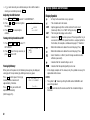
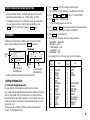
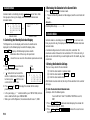
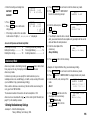
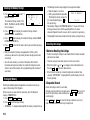
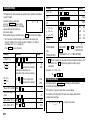
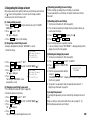
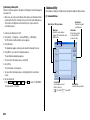
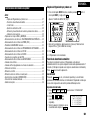
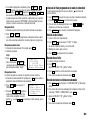
1. Press MENU
PREV
PREV
4
4
to select “4: BACKLIGHT SETUP”.
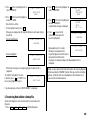
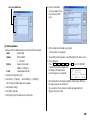
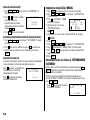
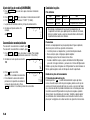
2. Press
,
,
or
to select the
interval (15 – 60 seconds).
1
2
3
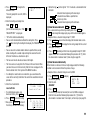
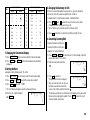
TURN OFF AFTER:
1: 15 SECONDS
2: 30 SECONDS
3: 45 SECONDS
4: 60 SECONDS
1