1
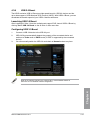
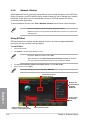
Using Quick Connection
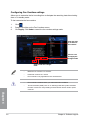
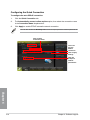
Configuring the PPPoE connection settings
Before enabling the Network iControl’s Quick Connection functions, you must configure the
PPPoE connection settings
To configure the PPPoE settings:
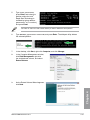
1.
in the taskbar, and select Open Network and Sharing Center.
Right-click
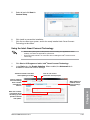
2.
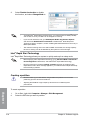
Right-click the PPPoE Connection, and select Properties.
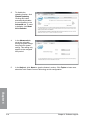
3.
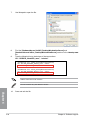
Click the Options tab, and deselect Prompt for name and password, certificate, etc.
Click OK to complete the auto PPPoE connection settings.
•
You only need to configure the PPPoE connection settings once.
•
Obtain the necessary information about your PPPoE connection from your
network provider.
ASUS SABERTOOTH Z77
Chapter 4
.
4-21