1
Manual Gearbox
2
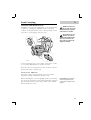
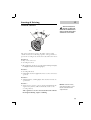
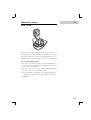
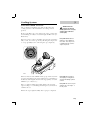
GEAR LEVER
Manual Gearbox
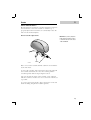
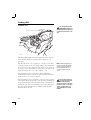
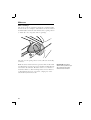
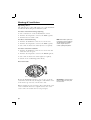
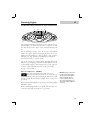
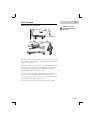
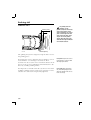
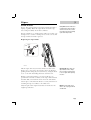
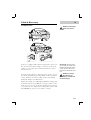
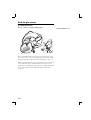
H2667
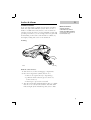
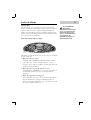
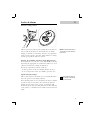
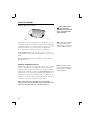
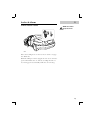
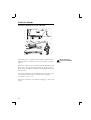
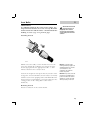
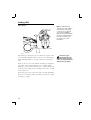
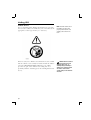
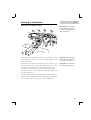
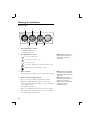
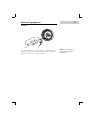
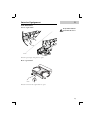
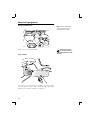
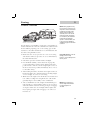
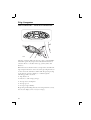
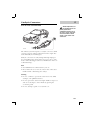
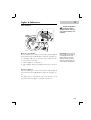
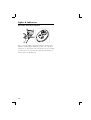
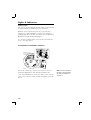
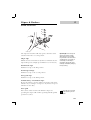
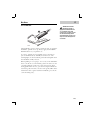
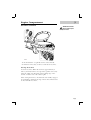
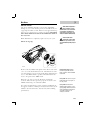
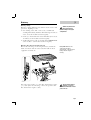
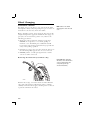
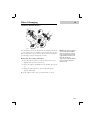
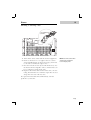
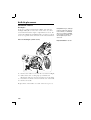
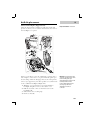
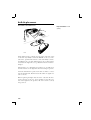
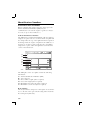
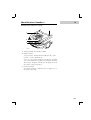
The gear positions are indicated on the gear lever knob.
Synchromesh is provided on all gears (including reverse). In
the neutral position, the gear lever is spring loaded to rest
naturally in the centre of the gate between 3rd and 4th gears.
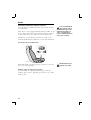
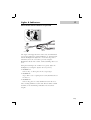
Precautions while driving
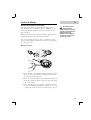
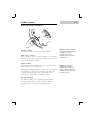
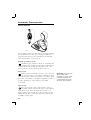
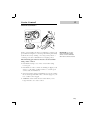
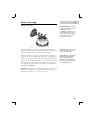
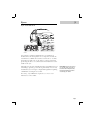
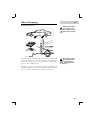
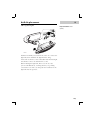
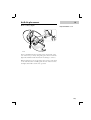
• Do not rest your hand on the gear lever while driving pressure from your hand may cause premature wear to the
gear selector mechanism.
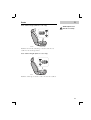
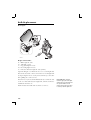
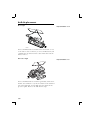
• Do not rest your foot on the clutch pedal when driving excessive wear to the clutch will result.
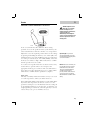
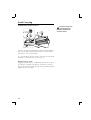
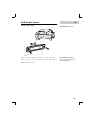
• Do not hold the car stationary on a hill by slipping the
clutch. This will wear out the clutch. Always use the
handbrake.
109