Download Rover 75 Technical data
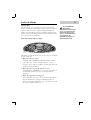
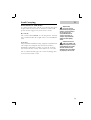
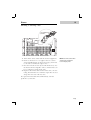
Transcript
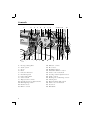
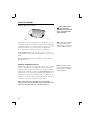
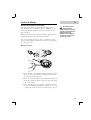
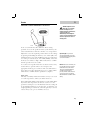
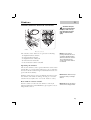
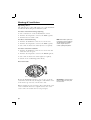
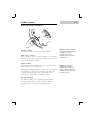
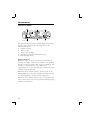
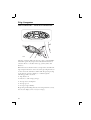
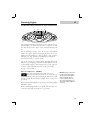
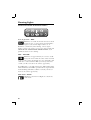
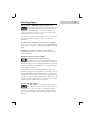
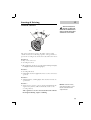
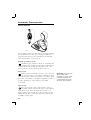
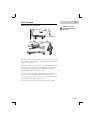
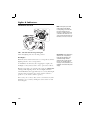
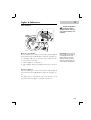
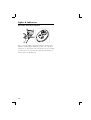
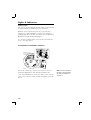
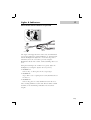
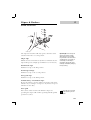
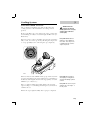
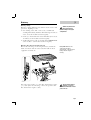
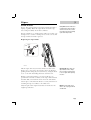
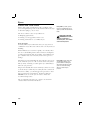
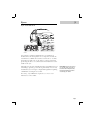
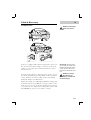
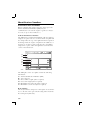
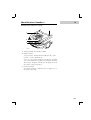
Heating & Ventilation Temperature control Operate the rocker switches on either side of the display to set the required temperature for the corresponding side of the passenger compartment (left hand switch for the left side of the car, and right hand switch for the right side). The system will not achieve temperatures on the passenger side of the car that are more than 5° C (9° F) greater or less than the temperature set for the driver's side. NOTE: The temperatures shown on the display are target temperatures only and are not reflective of any specific temperature measured within the interior of the car. Temperatures above 28° C (82° F) and below 16° C (61° F) cannot be set. Above or below these maximum and minimum settings ‘HI’ or ‘LO’ will appear in the display. Defrost Press the button at the beginning of a journey to clear frost or mist (the indicator in the switch illuminates and the defrost symbol, along with the blower symbol appears in the display). The defrost facility automatically activates the following: • The most efficient heater settings to clear the windscreen and front side windows. • The heated rear screen - for a maximum of 20 minutes. Press the button again to cancel defrost and restore the original settings, or press ‘Auto’ to go straight into Auto mode. Economy mode Press the ‘ECON’ button to operate (the display shows ‘ECON’). In economy mode, the air conditioning compressor is switched off and the system functions as a conventional heating and ventilation system. This reduces the load on the engine, thereby reducing fuel consumption. The air distribution, blower and recirculation controls can be operated independently. Pressing the 'ECON' button a second time will switch the air conditioning on, and return the system to Auto mode. 54 NOTE: In economy mode, it may not be possible for the system to always maintain a comfortable temperature.