1
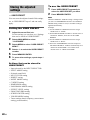
Changing the display
Changing the information in
the display
You can check the sound field etc. by changing
the information in the display.
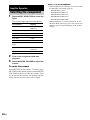
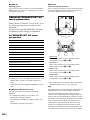
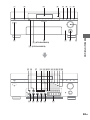
Press DISPLAY repeatedly.
Each time you press DISPLAY, the display will
change as follows.
All inputs except “FM” and “AM”
Index name and sound field name* y Input
name and sound field name
FM and AM
Preset station name and sound field name* y
Input name and sound field name
* Index name appears only when you have assigned
one to the input or preset station (page 49). Index
name does not appear when only blank spaces have
been entered, or it is the same as the input name.
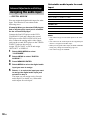
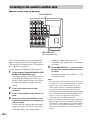
Displaying the input stream
information
You can check the input stream information
(about format, channel, etc.) of digital input
signals. The input stream information also
appears for 4 seconds when the receiver detects
any changes in the digital input signal.
1
2
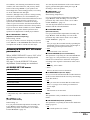
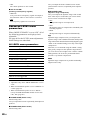
Rotate MAIN MENU to select “STREAM
INFO”.
Rotate MENU.
The input stream information appears.
3
30GB
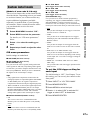
Rotate –/+ for more information.